Praying together on Brethreign
How to ask for prayer on Brethreign, even anonymously, how to pray for others, and how Prayer Circles keep small groups praying together.
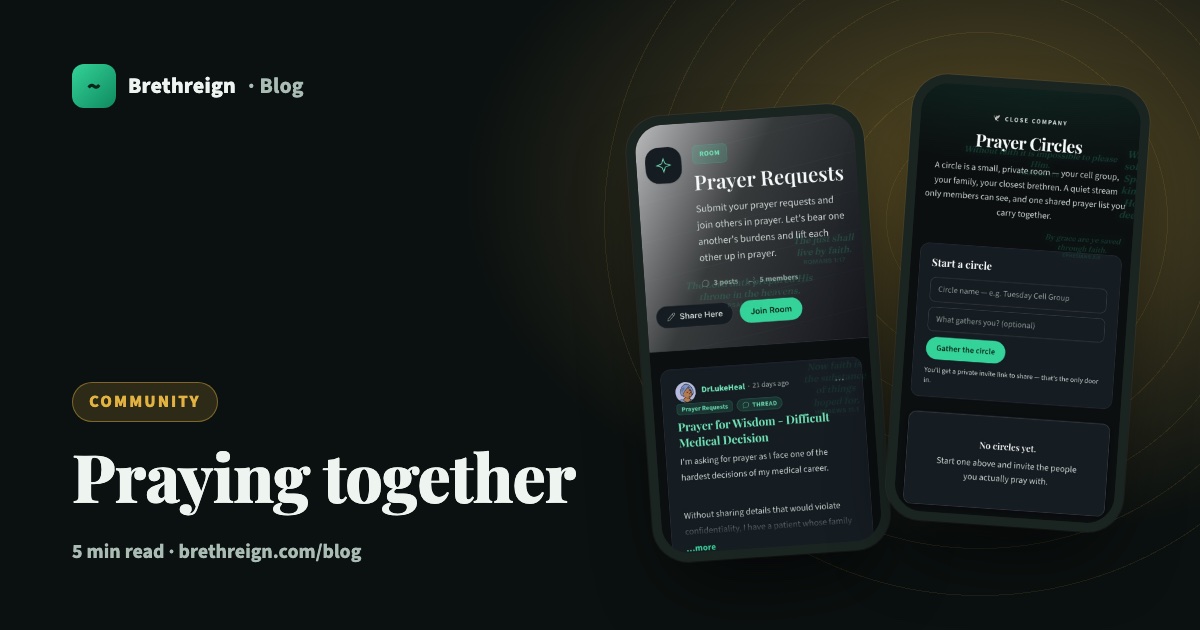
Some weeks you have the words and some weeks you don’t. Brethreign was built so that nobody has to carry a burden alone. This guide explains how to ask for prayer, how to stand with others in theirs, and how to gather a small, private circle of people who pray together.
Bear ye one another’s burdens, and so fulfil the law of Christ. (Galatians 6:2)
Asking for prayer
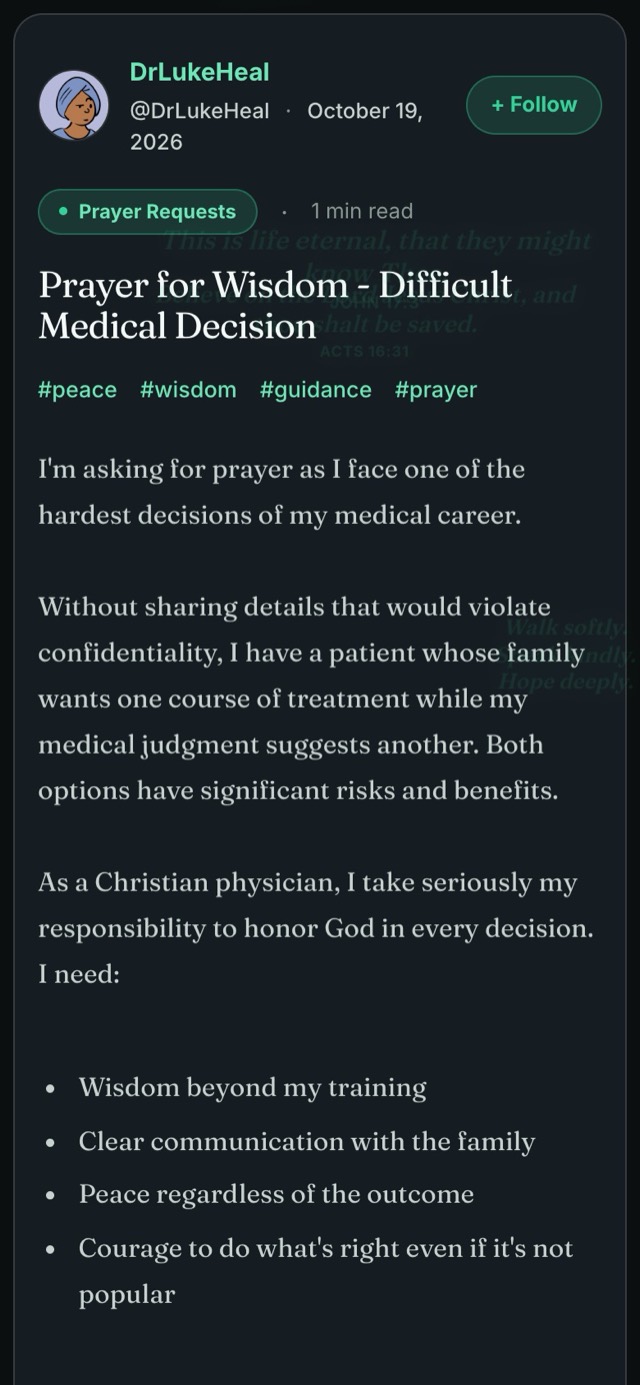
You can post a prayer request from almost anywhere.
- Open the composer. On the feed, tap Prayer request under “What breath do you have today?”, or tap the box itself.
- Write what’s on your heart. Share as much or as little as you like. A sentence is enough.
- Tick 🙏 Prayer request. This marks your breath as a request, so others know you’re asking them to pray.
- Choose where it goes. Pick the Prayer Requests room, or post it in any room or to the community feed.
- Decide whether to put your name to it. Tick Anonymous if you’d rather not. Your request is still seen and prayed for.
- Tap Breathe.
The Prayer Requests and Prayer Warriors rooms
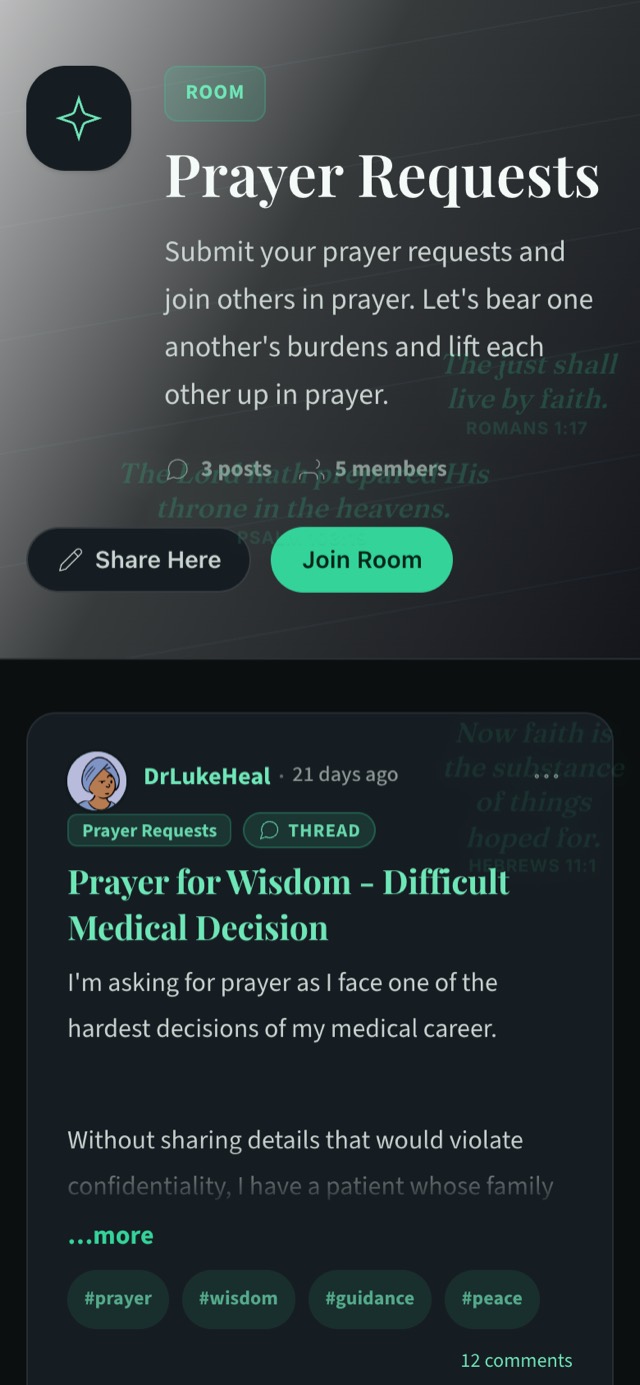
Rooms are themed spaces anyone can join. Two are given over to prayer.
Prayer Requests is where members bring their needs. Its description puts it simply: “Submit your prayer requests and join others in prayer. Let’s bear one another’s burdens and lift each other up in prayer.” Tap Join Room to follow along, or Share Here to post straight into it.
Prayer Warriors is another room centred on prayer, a good one to join if you want to spend time praying for others.
Other rooms are good places to share what you’re facing too, such as Overcoming Struggles, Questions & Guidance and Share Your Experience.
Praying for someone else
When you read a prayer request, tap 🙏 Praying to join in. The count on the request shows how many people are praying.
That number can mean a great deal to someone in a hard place. It says: you are not alone in this.
If you’d like to say more, leave a comment. A short word of encouragement, a verse that has helped you, or simply “Praying for you this morning” is often exactly enough. On a computer, the right-hand side of the feed also lists open prayer requests with a Pray button beside each one.
The Wall of Answered Prayers
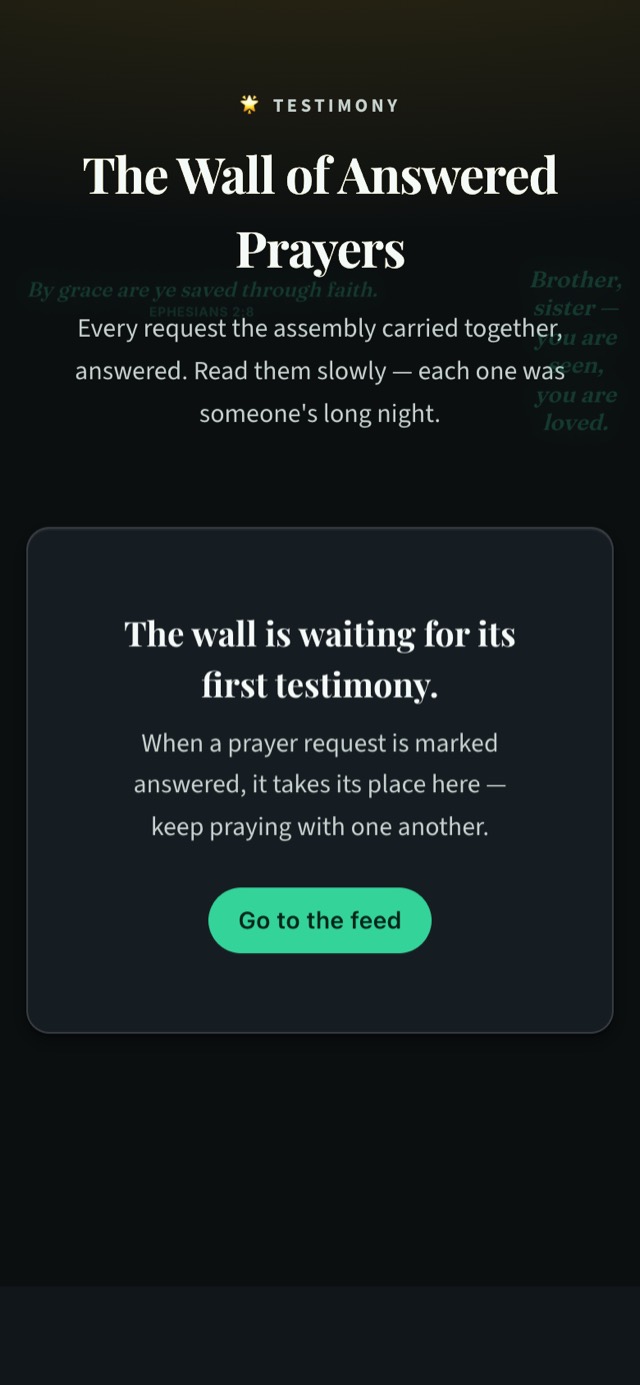
Prayers are answered, and those answers deserve to be remembered. When a prayer request is marked answered, it takes its place on the Wall of Answered Prayers.
The Wall is a place to read slowly. Each testimony there was once someone’s long night, carried by others in prayer until morning came. Visiting it is a good way to build your faith before you pray for the next request.
Prayer Circles: close company
Some prayers belong to a small group: your family, your cell group, the friends you’ve prayed with for years. That’s what Prayer Circles are for.
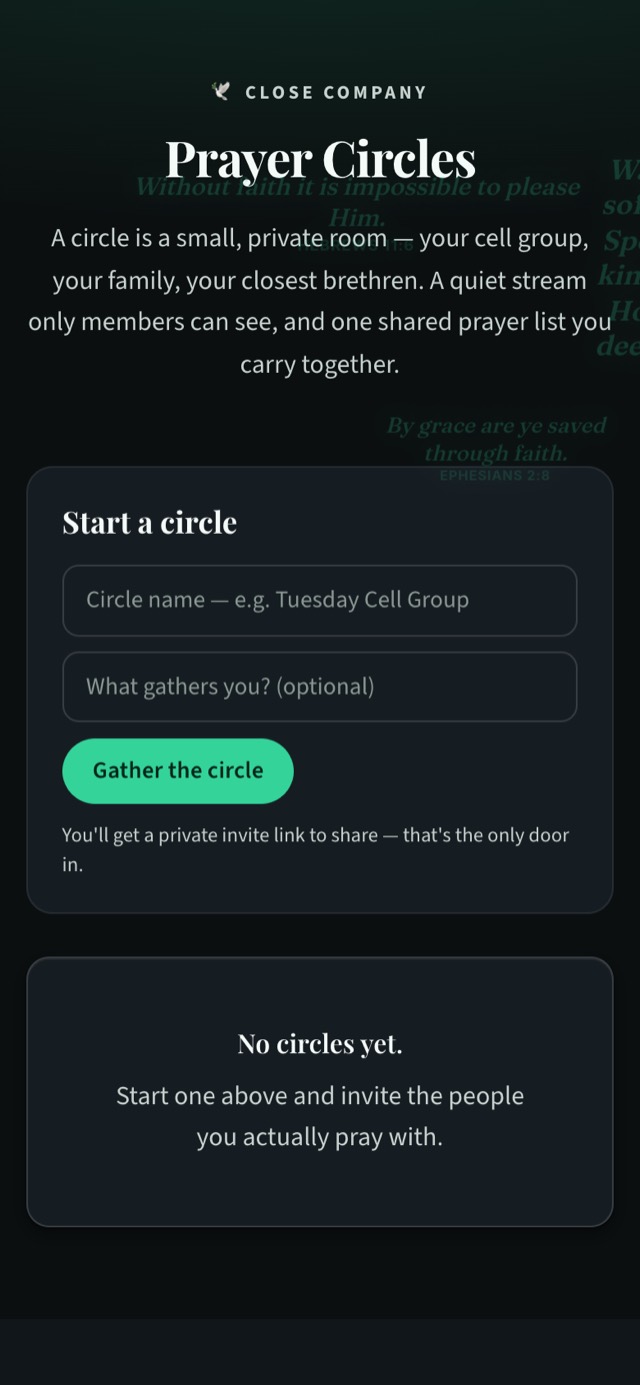
A circle is a small, private room. It has a quiet stream that only its members can see, and one shared prayer list that you carry together. There are no ads in circles.
To start one:
- Go to Prayer Circles. Open /circles, or find Prayer Circles in the menu.
- Name your circle. For example, “Tuesday Cell Group” or “Family prayers”.
- Add what gathers you (optional). A line about why you pray together.
- Tap Gather the circle.
- Share the invite link. You’ll get a private invite link. That link is the only way in, so send it only to the people you actually pray with.
For where two or three are gathered together in my name, there am I in the midst of them. (Matthew 18:20)
A word on care
Prayer requests are often personal. Please pray for what people share without passing their stories on. If someone asks for prayer about a situation involving others, keep details gentle and private, as you would in a church prayer meeting. And if anything you read worries you, you can report it in one tap so a moderator can look at it.
Keep going
- Take your first breath: every option in the composer, including Anonymous and Prayer request.
- Private chats guide: for the conversations that need to stay one-to-one.
- Staying safe on Brethreign: how we look after one another.
Read next
 Community
Games on Brethreign: Bible Quiz, the Chess Ladder and more
A tour of every game on Brethreign, from the Bible Quiz and Chess Ladder to Verse Memory, plus how scores and the weekly leaderboard work.
 Community
How to play the Bible Quiz on Brethreign
Set up a Bible Quiz round your way: pick from 16 themes, a difficulty and a length, then learn from every answer with references and short notes.
 Community
The Chess Puzzle of the Day: how it works and how to score
A fresh Lichess puzzle every day, played right in Brethreign. How to read the puzzle, use hints, and earn up to 5 points once a day.
Join Brethreign, free
A safe online home for Christians: breathe, pray, read, chat, and grow in your work.