What's next for Brethreign Professional
What's live today in Brethreign Professional, and what we're planning for December 2026 and early 2027. Dates may change.
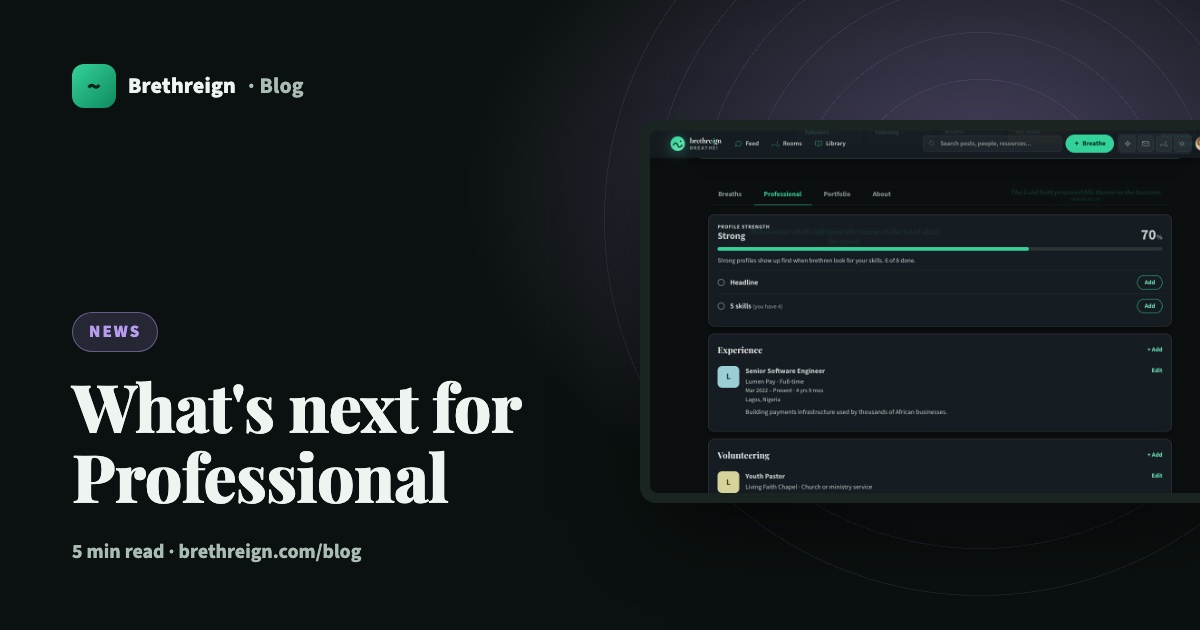
This month we launched Brethreign Professional: a professional profile, a portfolio and an easy way to bring your history across from LinkedIn. It’s the first step. Here’s what’s live now, and what we’re planning to build next, so you know where things are heading.
What’s live today
Everything in this section is available now, free, to every member.
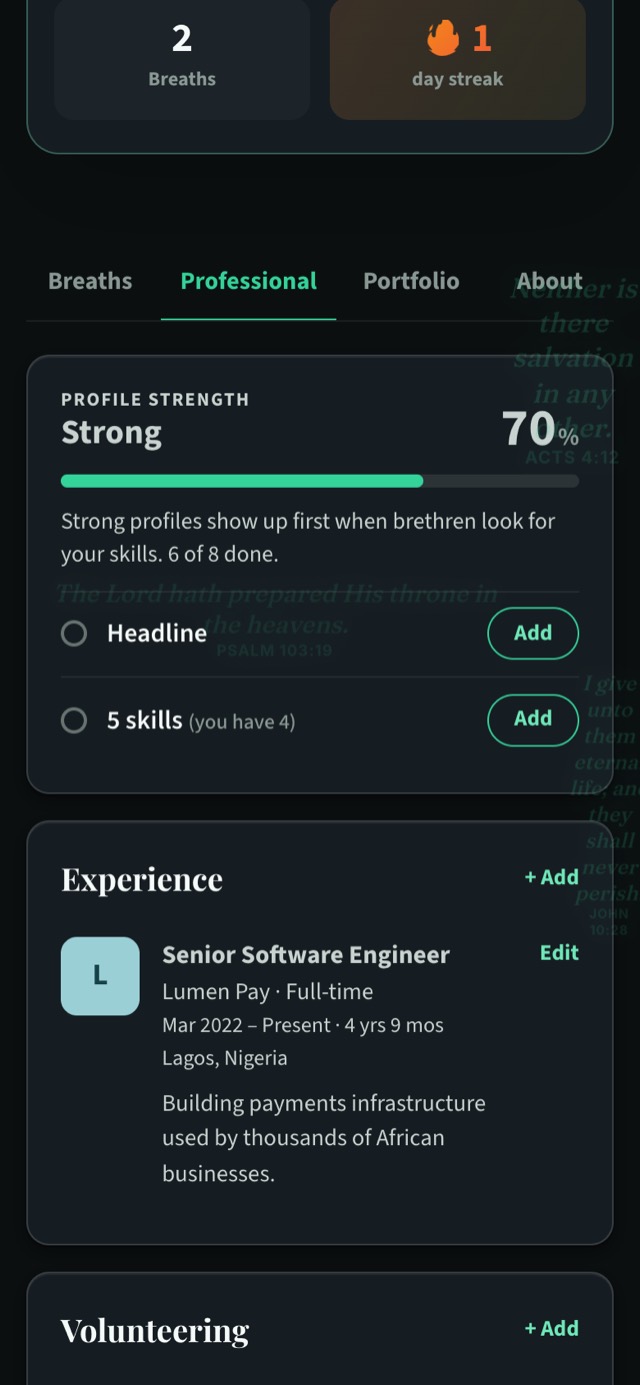
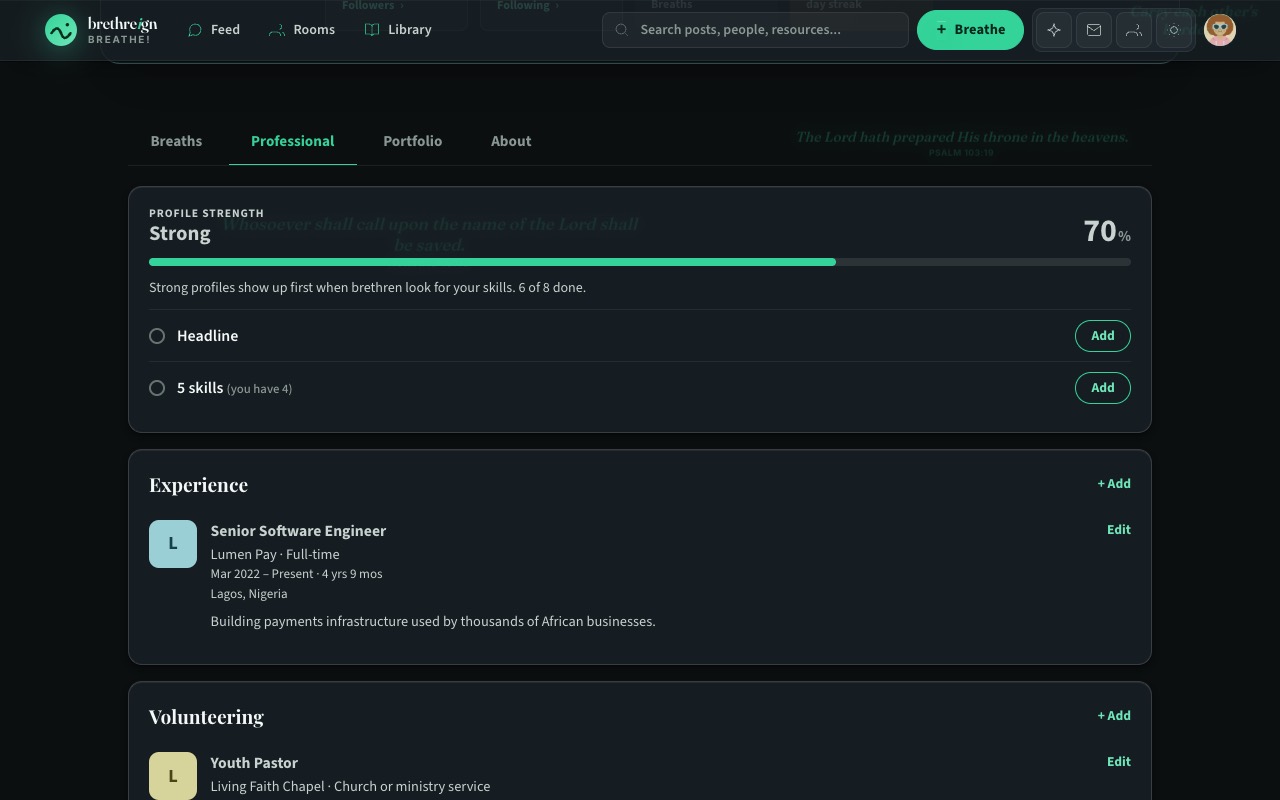
- A professional profile. Your headline, industry, church, skills, experience, volunteering, education, licences and certifications, and languages, all on a Professional tab on your profile.
- Profile strength. A private card on your Professional tab that shows how complete your profile is and what to add next.
- Import from LinkedIn. Upload your LinkedIn profile PDF or data export, tick what you want, and Brethreign adds it to your profile. The file is read once and not kept.
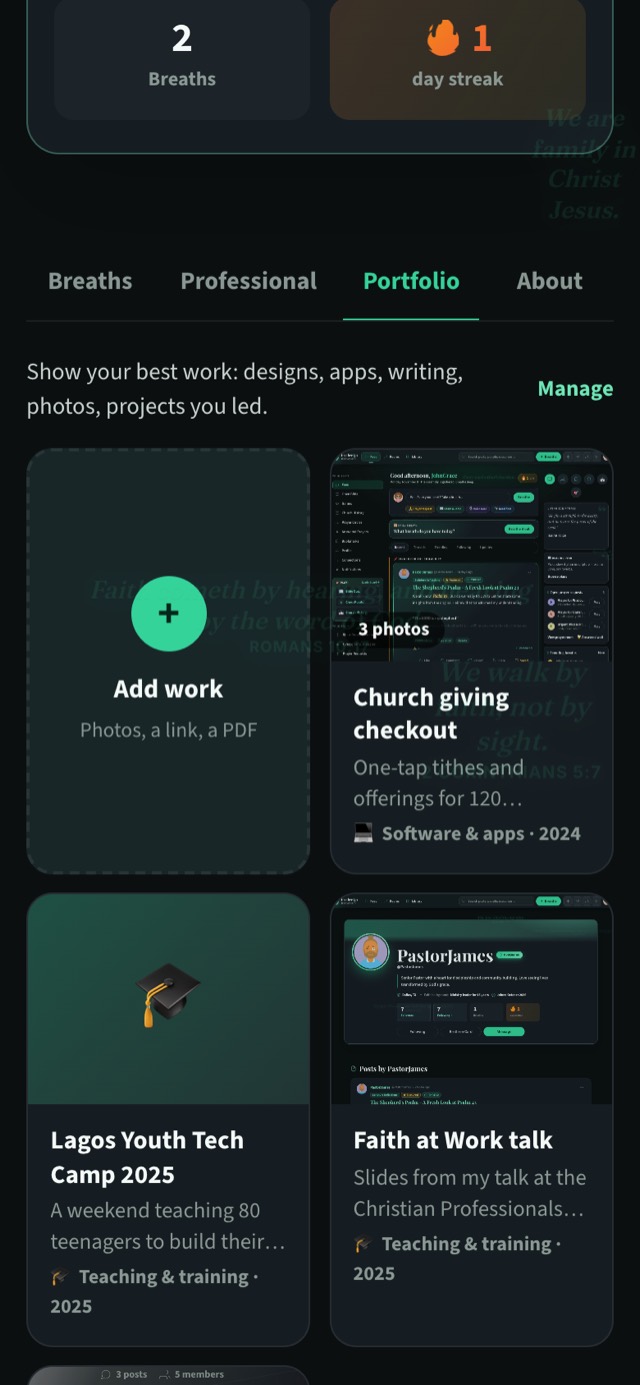
- A portfolio. A Portfolio tab for work you’re proud of, with photos, a story, skills, a link and an optional PDF for each piece.
- Brethren you may know. Suggestions based on your church, mutual connections, your work, your skills, your city and your rooms.
- “Open to” badges. Say you’re open to work, hiring, mentoring, volunteering or freelance work, with a coloured ring on your photo. You choose who sees it.
- Skill endorsements. Your connections can endorse the skills on your profile in one tap.
- A digital business card. A short link (brethreign.com/in/yourname) and a QR code to share at church, at work or anywhere you meet people.
Read Open to, endorsements and your business card for how to set them up.
What we’re planning
Everything below is planned. We’re sharing it because we’d rather you knew our direction than guessed at it. Plans can shift as we build and listen, so please treat these dates as our aim. They may change.
Planned for December 2026
Recommendations. Your connections will be able to write you a recommendation, and you’ll be able to ask for one. Nothing will appear on your profile until you approve it.
Planned for early 2027
People search with filters. Find members by industry, skill, city, company, school or church.
Who viewed your profile. See who has been looking at your profile.
Pages for organisations. Churches, ministries, companies and NGOs will be able to have their own pages, with a verified badge.
Job posts with Easy apply. Verified pages will be able to post jobs that you can apply for easily. Every listing will carry the reminder to never pay to apply, the same message you already see on jobs in the Updates tab.
Video in breaths. Planned for February to April 2027.
Live video podcasts with guests. Planned for May to August 2027.
Mentoring, professional groups and events. Planned for June to August 2027.
Why we’re building this
Work takes up a large part of the week for most of us, and many of us serve in church as well. We want Brethreign to be a place where all of that can be seen together: your faith, your service and your work, among people who share your values.
“Commit thy works unto the LORD, and thy thoughts shall be established.” (Proverbs 16:3)
Get ready now
Many of the planned features build on the profile you can set up today. The planned search filters cover industry, skill, city, company, school and church, which are details you can add now. Endorsements already build on the skills you list. Recommendations will come from your connections. The more complete your profile is now, the more you’ll get from each new feature when it arrives.
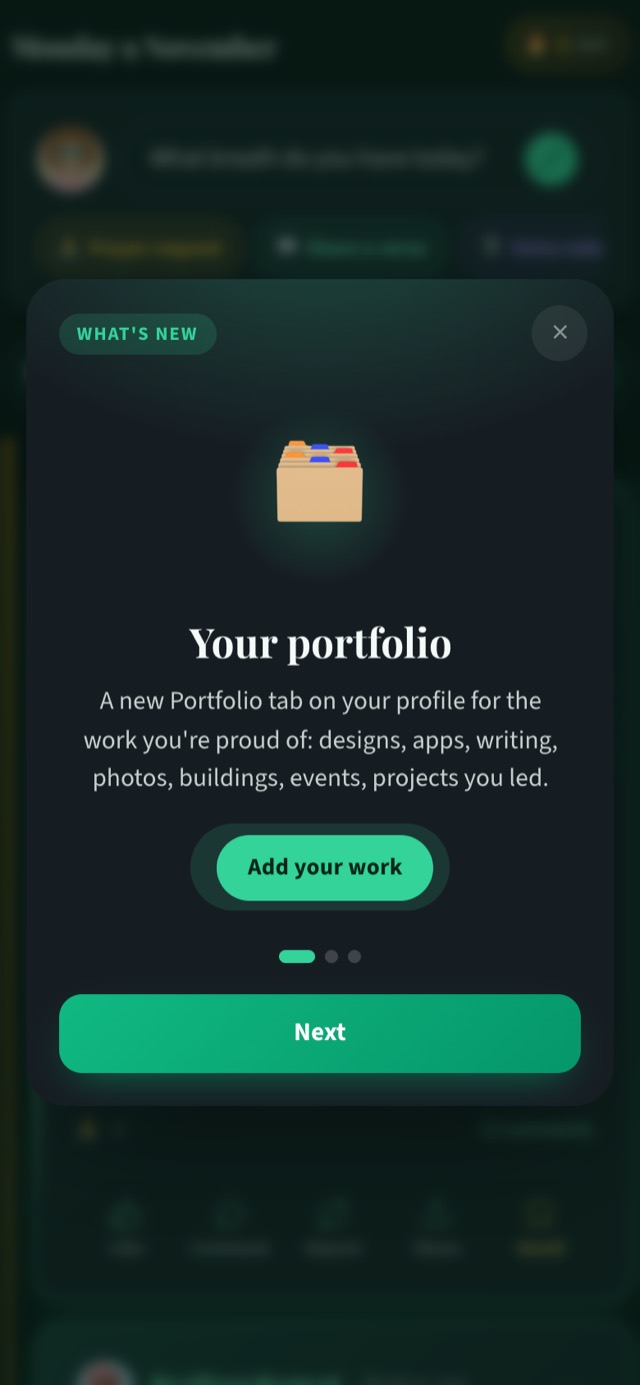
When a new release ships, you’ll see a short “What’s new” tour once, with buttons that take you straight to what’s new.
Here’s a simple checklist to get ready:
- Set up your professional profile. Add your headline, industry, church and at least five skills in Settings → Professional.
- Bring in your history. If you’re on LinkedIn, use Import from LinkedIn to save typing.
- Add a piece of work. Start your portfolio from Settings → Portfolio.
- Complete your Brethren Card. You’ll need it to connect, in Settings → Brethren Card.
Keep going
Read next
 News
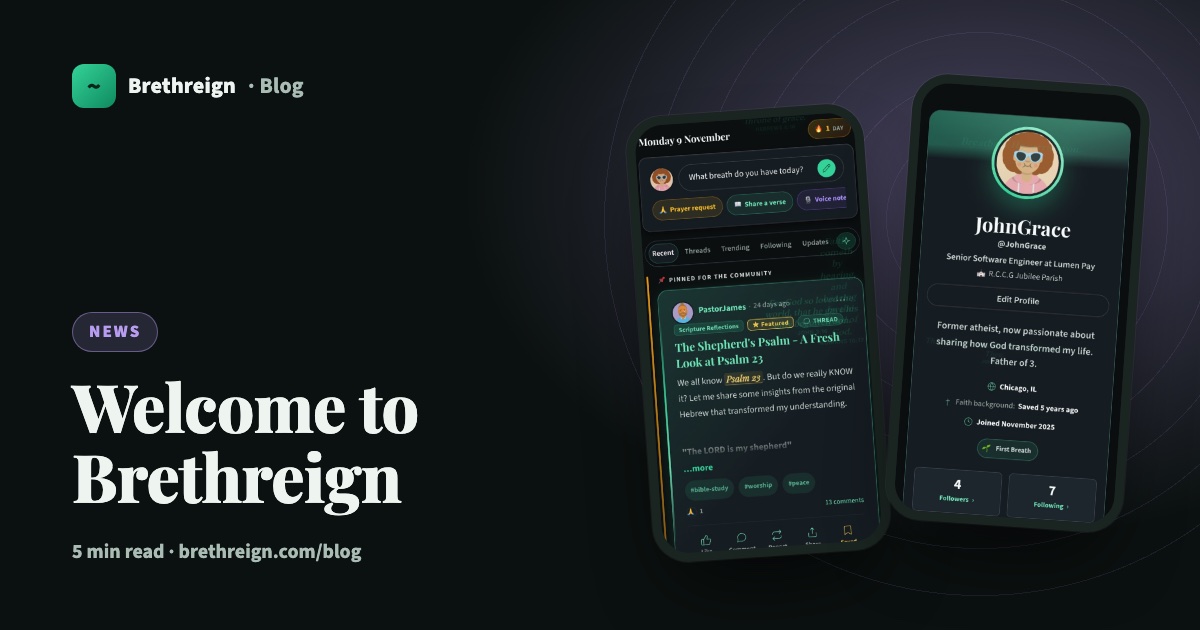
Welcome to Brethreign, a safe online home for Christians
Brethreign is a free Christian social network where believers share, pray, read the Bible, chat and grow together. Here's what you'll find.
 Professional
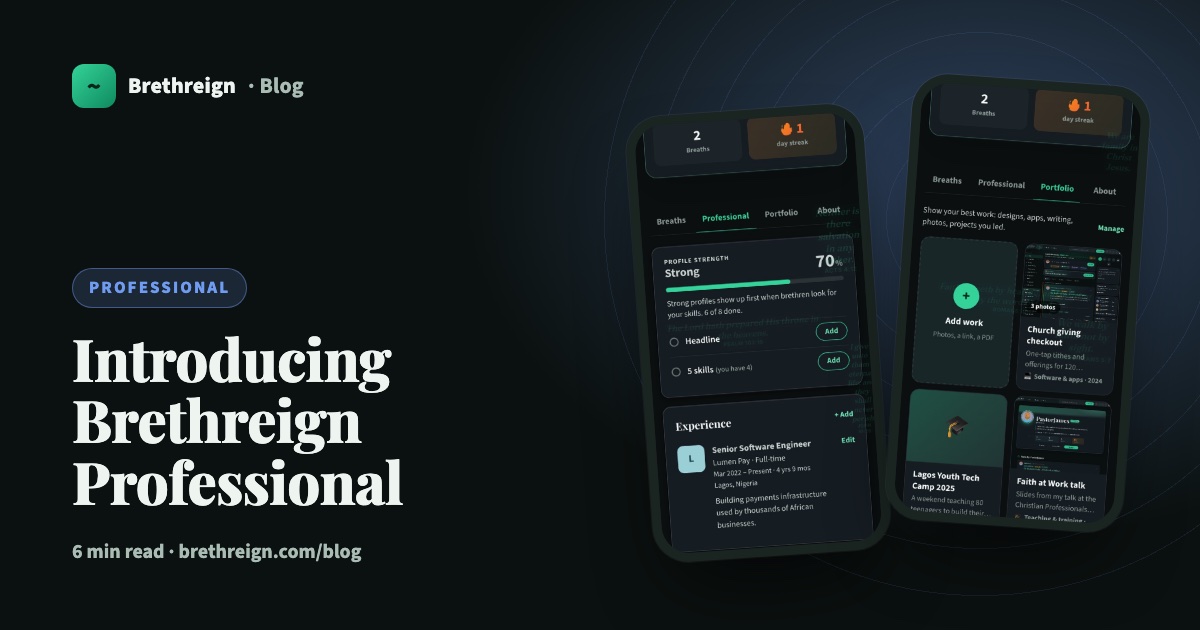
Introducing Brethreign Professional: your faith and your work in one place
Brethreign now has a professional side: a Professional tab, profile strength, LinkedIn import, Volunteering and a Portfolio for work you're proud of.
 Professional
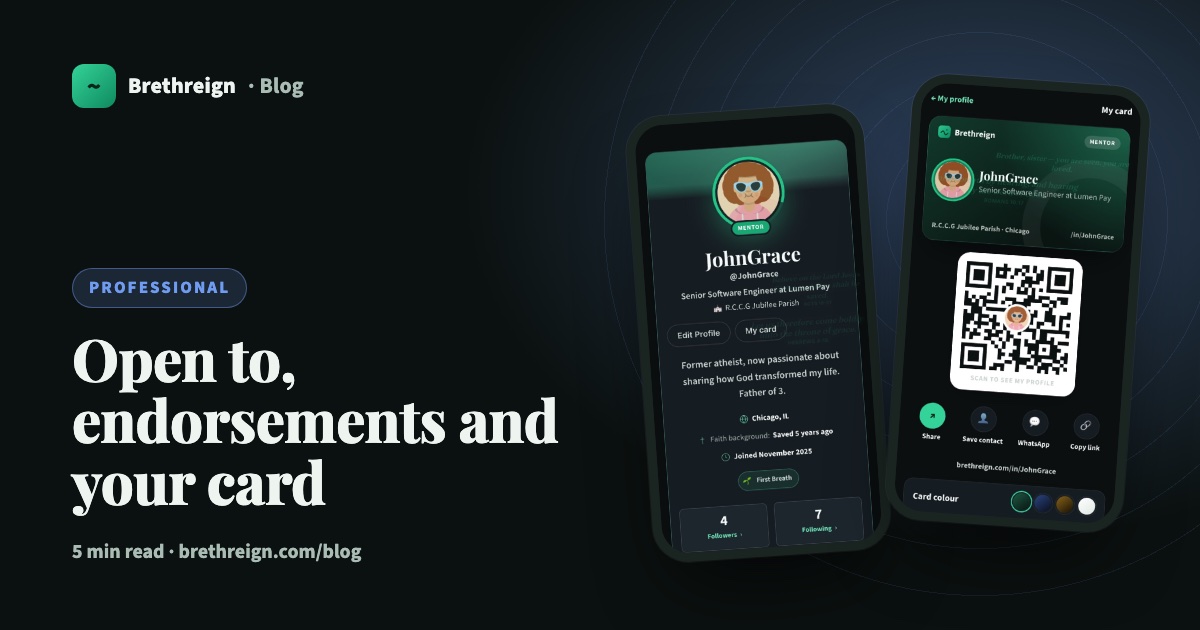
Open to, endorsements and your business card: three ways to be found
Tell people what you're open to, let your connections vouch for your skills, and share a digital business card with a QR code.
Join Brethreign, free
A safe online home for Christians: breathe, pray, read, chat, and grow in your work.