Reach All-star profile strength
Exactly how Brethreign's profile strength meter works: the four levels, the eight steps and their points, and a checklist to reach All-star.
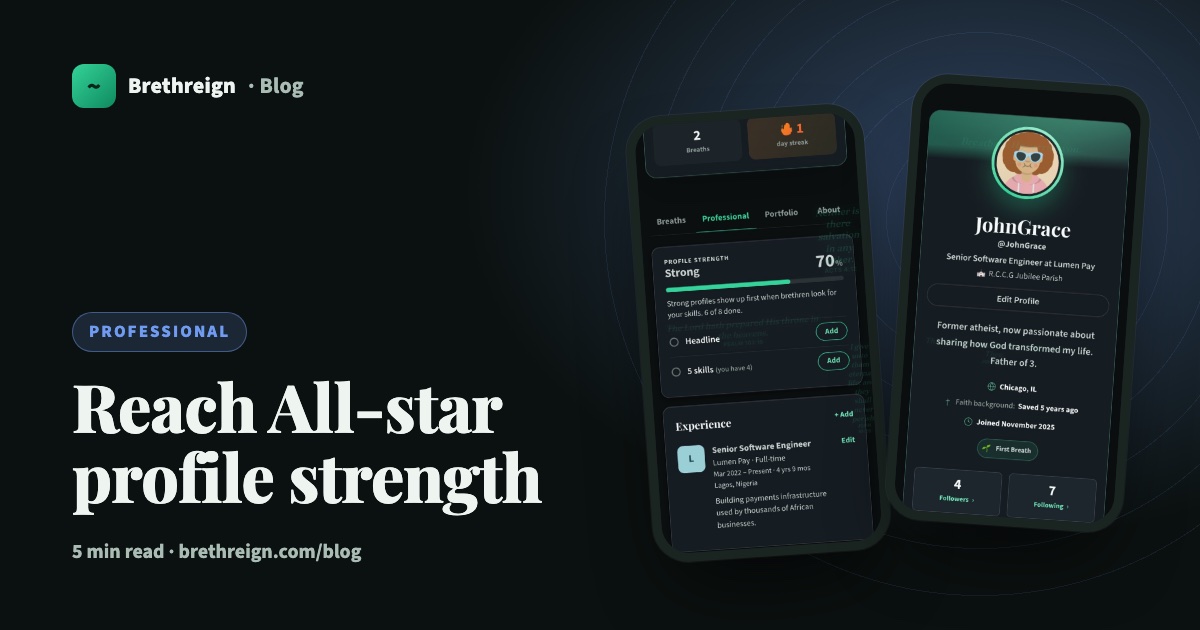
At the top of your Professional tab is a card called Profile strength. This guide explains exactly how it’s scored, gives you a checklist to reach All-star, and shows why each step helps the right people find you.
Where to find it
Open your profile and tap the Professional tab. The Profile strength card sits at the top. Only you can see it; visitors to your profile don’t.
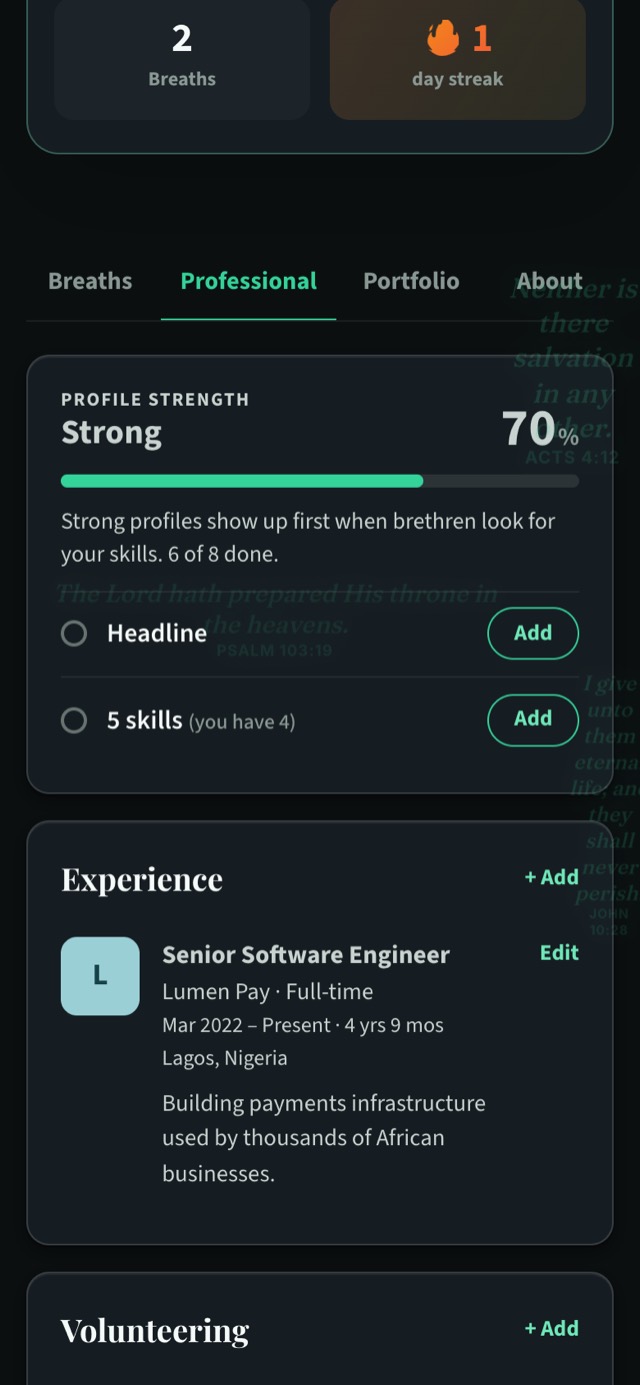
The card shows three things:
- Your level and percentage, with a progress bar.
- How many of the eight steps you’ve done, for example “6 of 8 done”.
- Your next steps, each with an Add button. Where it helps, it shows your progress, such as “5 skills (you have 4)”.
The four levels
As your percentage rises, your level moves through:
- Starting
- Good
- Strong
- All-star, at 90% or more
The eight steps and their points
Profile strength adds up to 100 points across eight steps.
| Step | Points |
|---|---|
| Current role | 20 |
| Headline | 15 |
| 5 skills | 15 |
| Profile photo | 10 |
| Education | 10 |
| A few lines about you (a bio of 40+ characters) | 10 |
| Your industry | 10 |
| Your city | 10 |
| Total | 100 |
Because All-star starts at 90%, you can reach it with one of the 10-point steps still open. Your current role, headline and five skills are worth more, so if any of those is missing you’ll be below 90%. Start with them.
Your checklist to All-star
Work through these in order. The biggest steps come first.
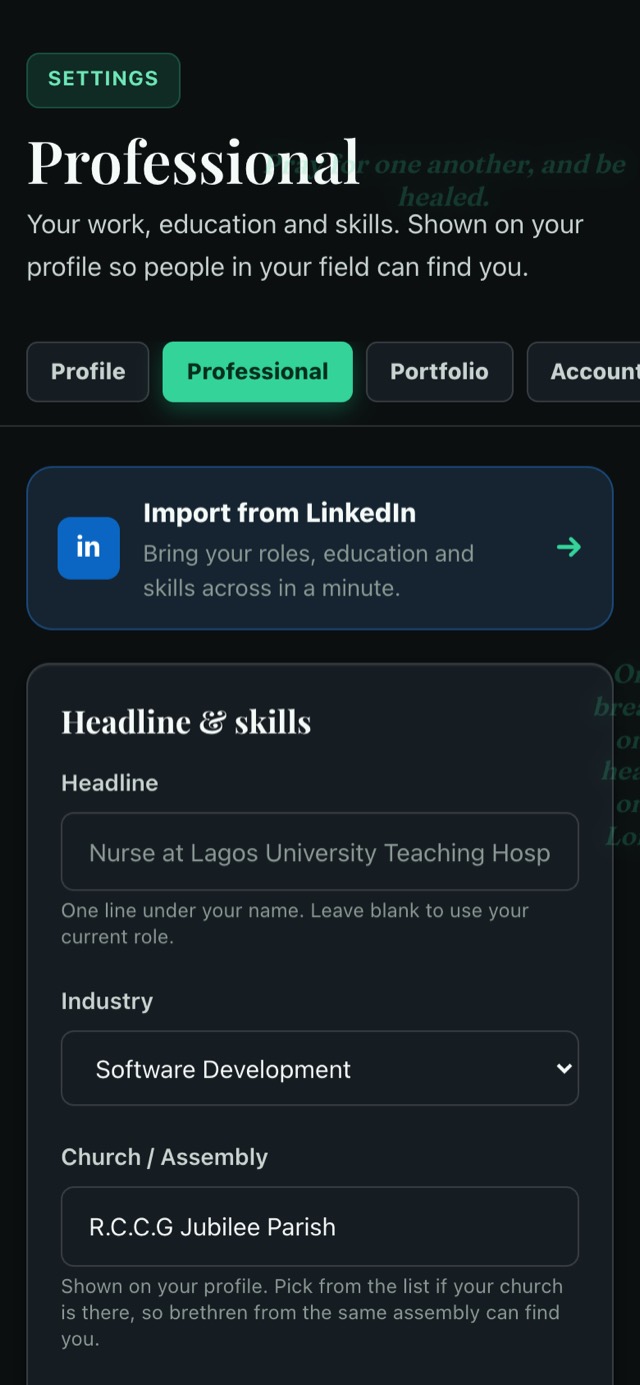
- Add your current role (20). In Settings → Professional, tap “+ Add” under Experience, enter your title and organisation, and tick “I currently work here”. If you serve full-time in a church, use the employment type “Church or ministry service”.
- Write a headline (15). One clear line under your name, such as “Registered nurse at a teaching hospital” or “Site engineer building affordable homes”.
- Add at least five skills (15). Type them separated by commas in the Headline & skills form. You can add up to 30.
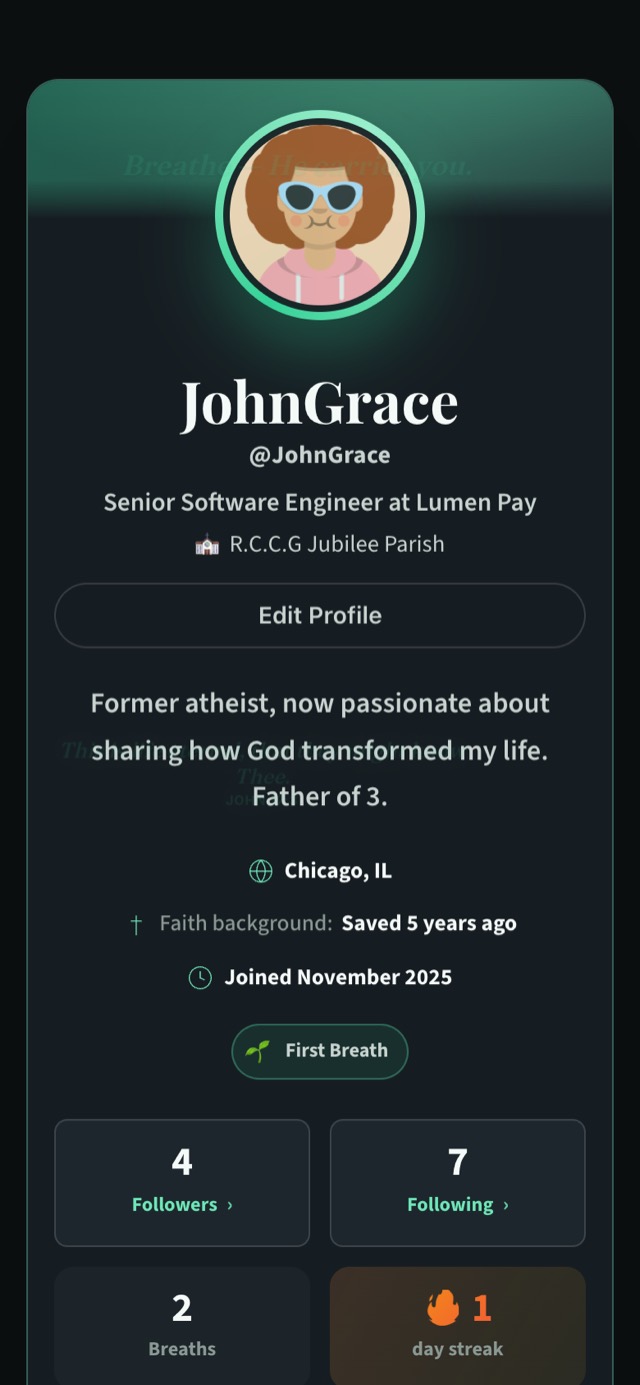
- Upload a profile photo (10). A clear, friendly photo of your face.
- Add your education (10). School, qualification, field of study and years.
- Write a few lines about you (10). Your bio needs at least 40 characters. Two sentences about who you are and what you care about is plenty.
- Choose your industry (10). Pick from the drop-down in Settings → Professional.
- Add your city (10). Where you live, so it shows as “Lives in” on your About tab.
For the photo, bio and city, tap Add beside the step on the card, or Edit Profile at the top of your profile.
Why each step helps people find you
Every step on the card has a purpose. Each one makes it easier for the right person to recognise you, trust you, or find you at all. The card itself puts it simply: “Strong profiles show up first when brethren look for your skills.”
Current role. Brethren you may know suggests people with the same employer or job title. Your role also shows as “Work” on your About tab, and if you leave your headline blank, Brethreign uses your current role in its place.
Headline. It’s the line right under your name, so it’s what people read first when they land on your profile. A clear headline answers “what does this person do?” in a second.
Five skills. Shared skills are one of the ways Brethren you may know suggests people. Five gives a fair picture of what you can do.
Profile photo. People connect with faces. Your photo appears on your profile and on suggestion cards, and it helps someone from your church or city recognise you.
Education. It gives context to your work and shows the training behind it.
A few lines about you. Your bio shows at the top of your profile and on your About tab. It’s where your work and your faith meet in your own words.
Industry. It shows on your About tab and tells people at a glance which field you’re in.
City. Brethren you may know suggests people in the same city, which is useful for finding believers in your field nearby.
“Seest thou a man diligent in his business? he shall stand before kings; he shall not stand before mean men.” (Proverbs 22:29)
Beyond All-star
The meter covers the essentials. Once you’re there, a few things make your profile more complete still:
- Choose your church in Settings → Professional, so people from your assembly can find you.
- Add certifications and languages.
- Add church and volunteer roles, which appear under Volunteering.
- Put a piece of work in your portfolio.
Keep going
Read next
 Professional
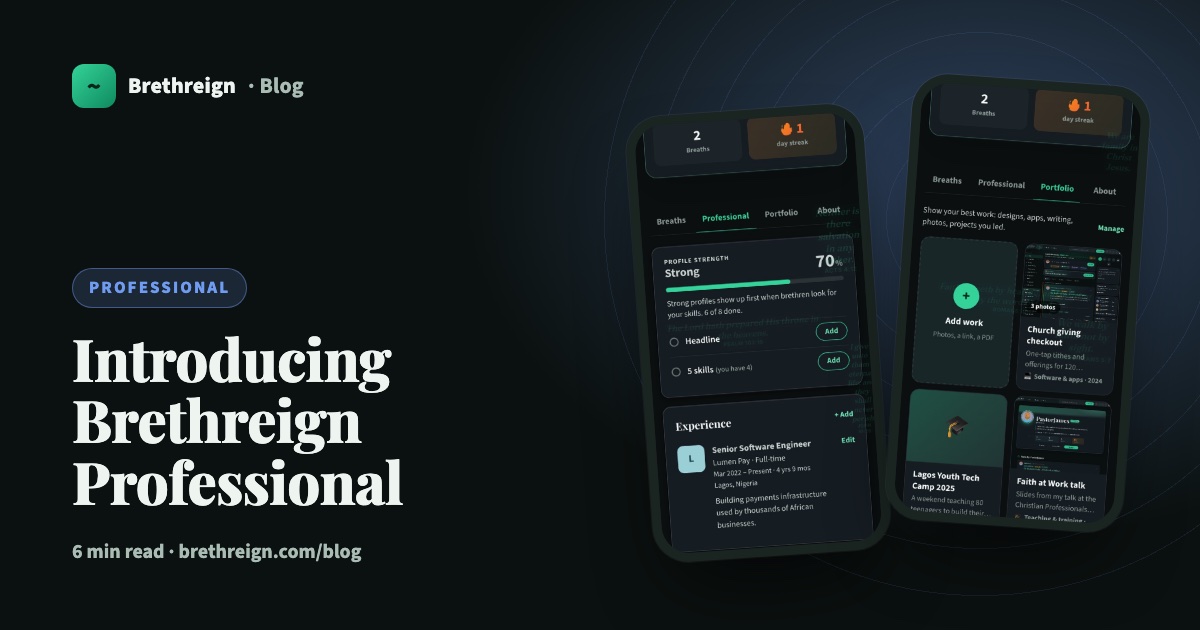
Introducing Brethreign Professional: your faith and your work in one place
Brethreign now has a professional side: a Professional tab, profile strength, LinkedIn import, Volunteering and a Portfolio for work you're proud of.
 Professional
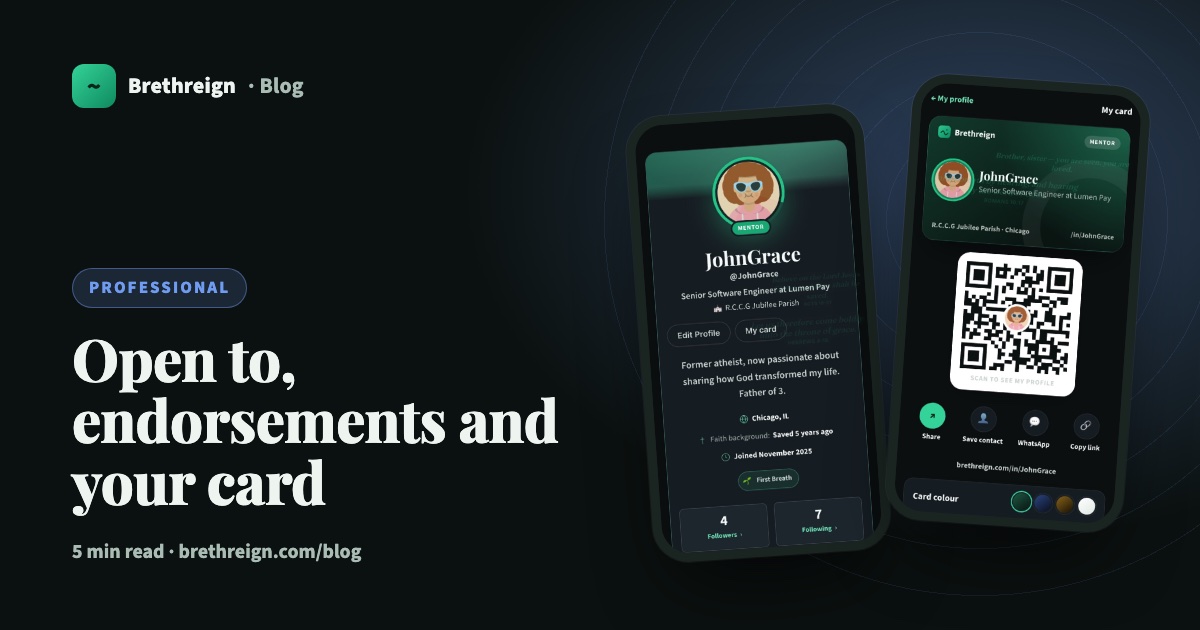
Open to, endorsements and your business card: three ways to be found
Tell people what you're open to, let your connections vouch for your skills, and share a digital business card with a QR code.
 Professional
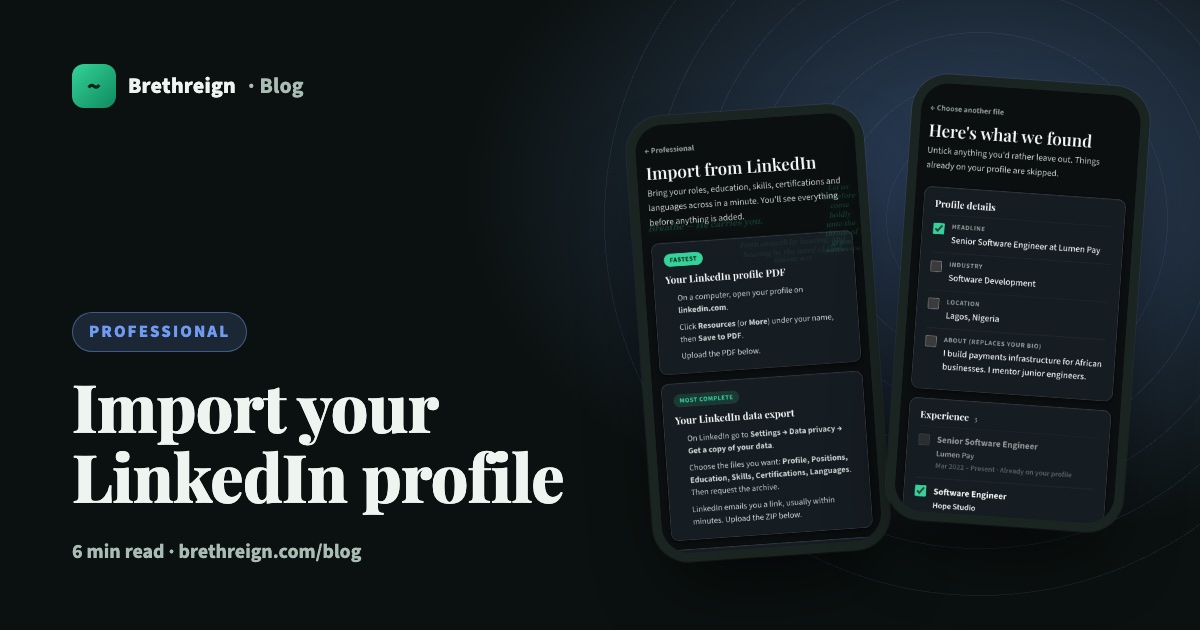
Import your LinkedIn profile into Brethreign
Bring your roles, education, skills, certifications and languages from LinkedIn to Brethreign with a PDF or data export. You check everything first.
Join Brethreign, free
A safe online home for Christians: breathe, pray, read, chat, and grow in your work.