Introducing Brethreign Professional: your faith and your work in one place
Brethreign now has a professional side: a Professional tab, profile strength, LinkedIn import, Volunteering and a Portfolio for work you're proud of.
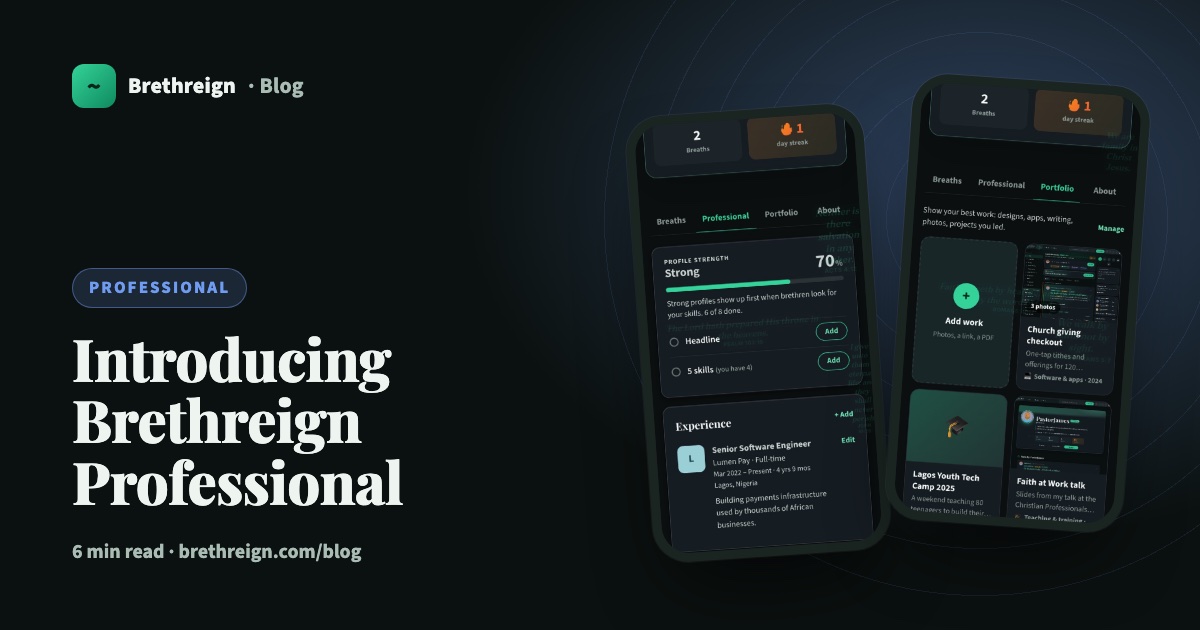
Brethreign has always been a place to share what God is doing in your life. From this month it is also a place to show the work you do with that life. This post explains why we built a professional side, what you can use today, and how to set yours up in three steps.
Why a professional side on a Christian network
Most of us spend a large part of every week at work. For many believers, that work is part of how they serve: the nurse on a night shift, the teacher with a full classroom, the engineer, the trader, the youth pastor. Yet faith and work usually live in separate places online.
We wanted to bring them together, for a few simple reasons.
- Faith and work belong together. Your profile can now say who you are in Christ and what you do on a Monday morning, side by side.
- A trusted network. The people you meet here share your faith. When you look for a mentor, a collaborator or someone in your field, you are looking among brethren.
- Safer opportunities. Brethreign uses AI to check breaths, chats, photos and portfolio pieces for scams and abuse, and people on our moderation team review reports. Job and course listings in the Updates tab carry the reminder “Never pay to apply. Brethreign will never ask you for money.”
- Work you can show. A CV says what you did. A portfolio shows it, with photos, links and the story behind it.
“And whatsoever ye do, do it heartily, as to the Lord, and not unto men.” (Colossians 3:23)
What’s live today
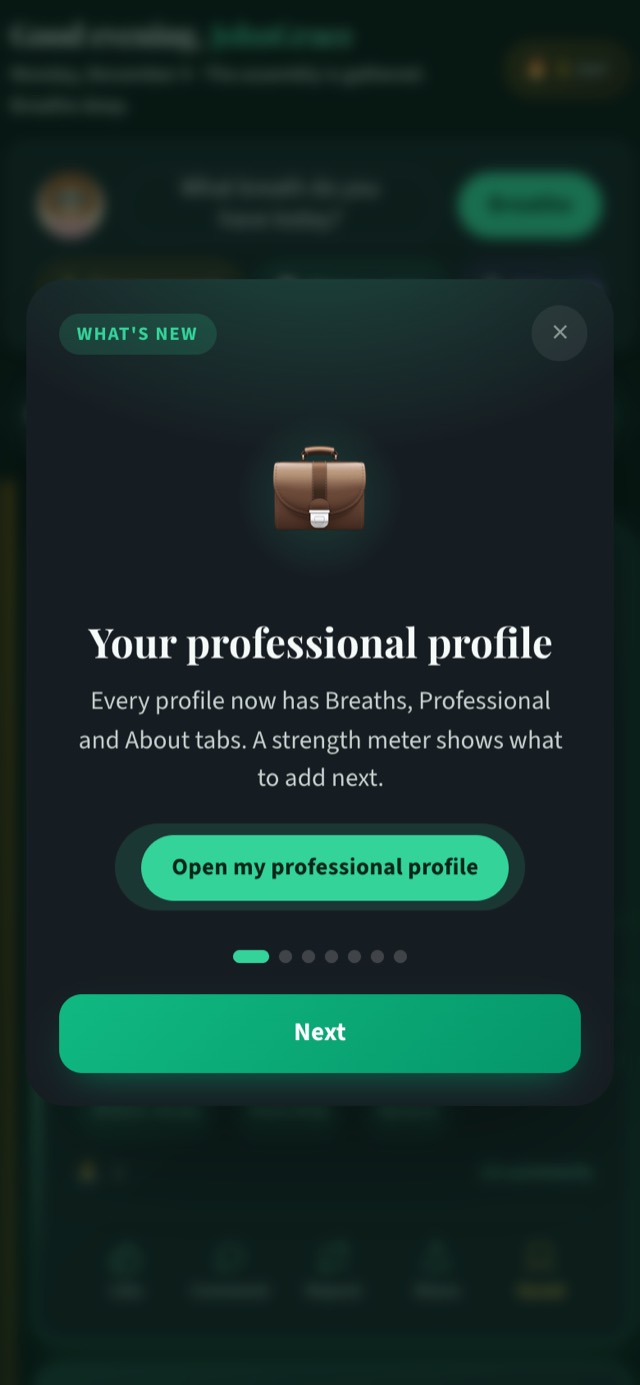
When you next open Brethreign you’ll see a short “What’s new” tour that walks through the new features once. Here is what it covers.
The Professional tab
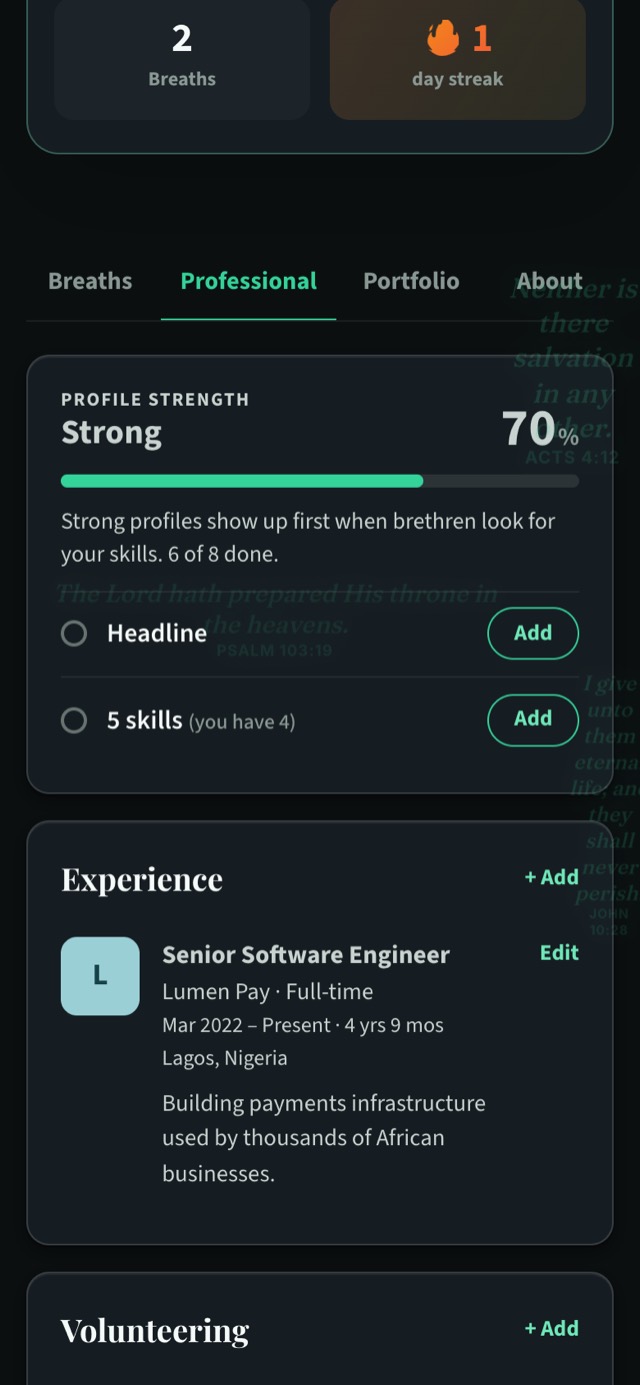
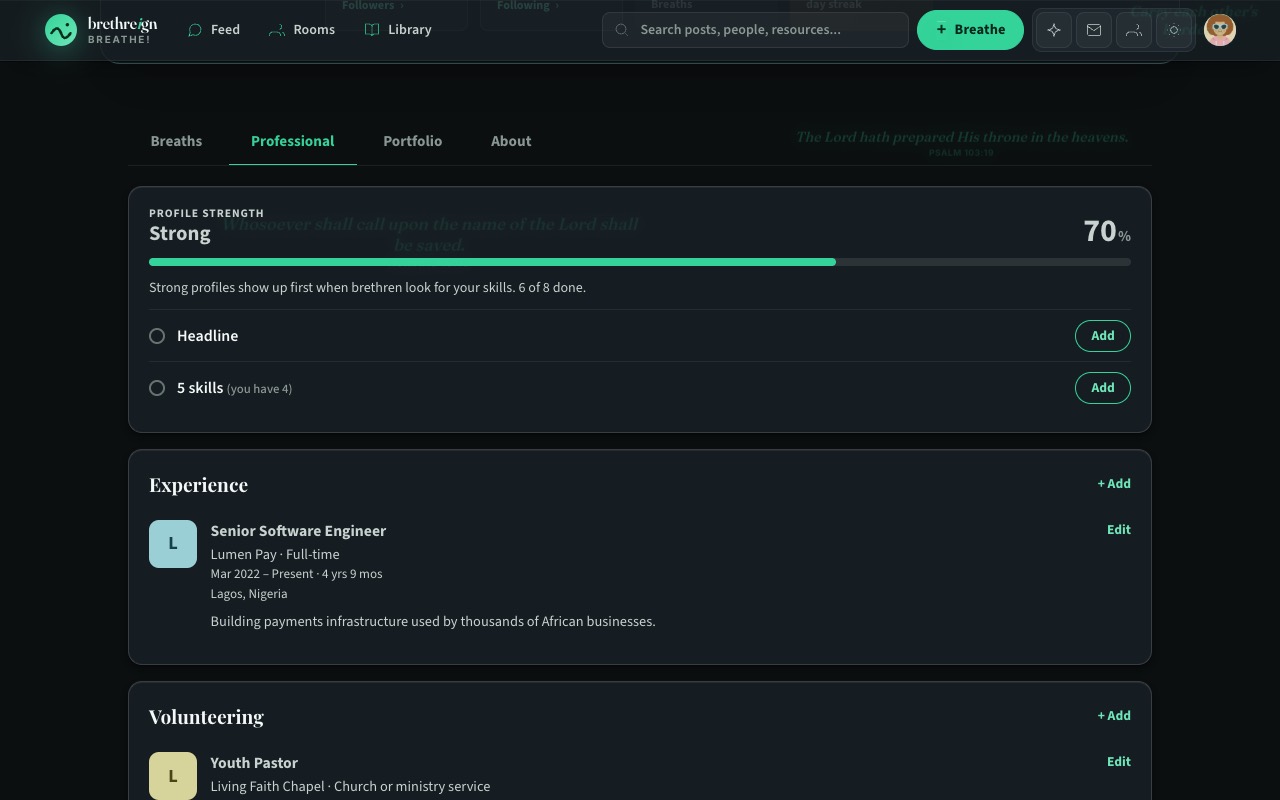
Every profile now has four tabs: Breaths, Professional, Portfolio and About. The Professional tab holds your experience, education, licenses and certifications, skills and languages. On your own profile, every section has “+ Add” and “Edit”, so you can fill it in where you see it.
Profile strength
At the top of your own Professional tab is a profile strength card. It moves through four levels (Starting, Good, Strong and All-star) and lists your next steps, each with an Add button. Only you see it. Read Reach All-star profile strength for exactly how it is scored.
Import from LinkedIn
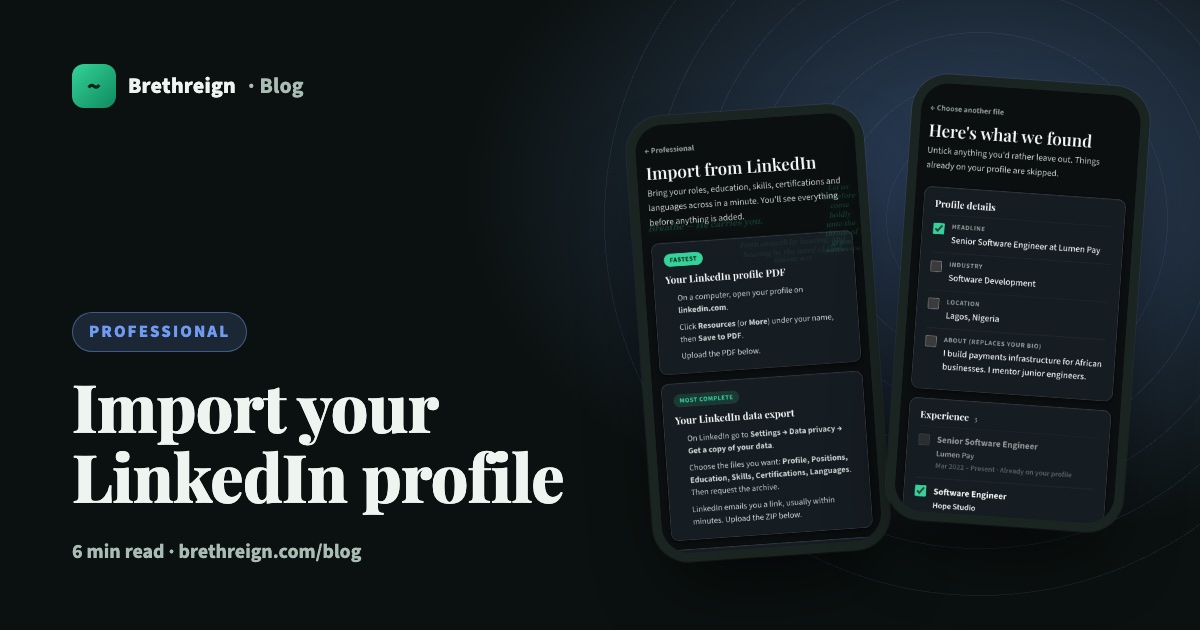
If you already keep a LinkedIn profile, you don’t need to type it all again. Upload your LinkedIn profile PDF or your LinkedIn data export, tick what you want, and Brethreign adds it. The file is read once and not kept. The full walkthrough is in Import your LinkedIn profile.
Certifications, languages and industry
Add licenses and certifications with an issuer, dates and a credential link. Add the languages you speak with a level from Elementary to Native or bilingual. Choose your industry from a list close to LinkedIn’s, and pick your church or assembly so people from the same church can find you.
Volunteering
Church and volunteer work is real work. When you add a role with the employment type “Volunteer” or “Church or ministry service”, it appears in its own Volunteering section on your profile, separate from your jobs.
Portfolio
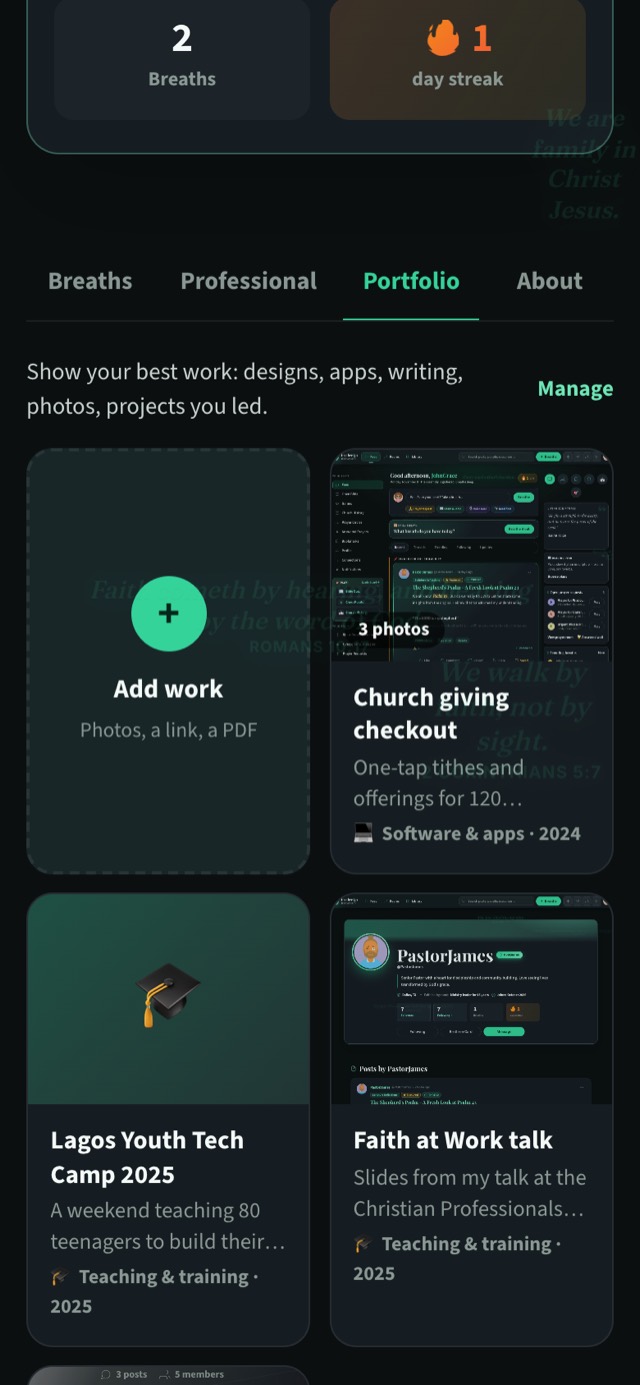
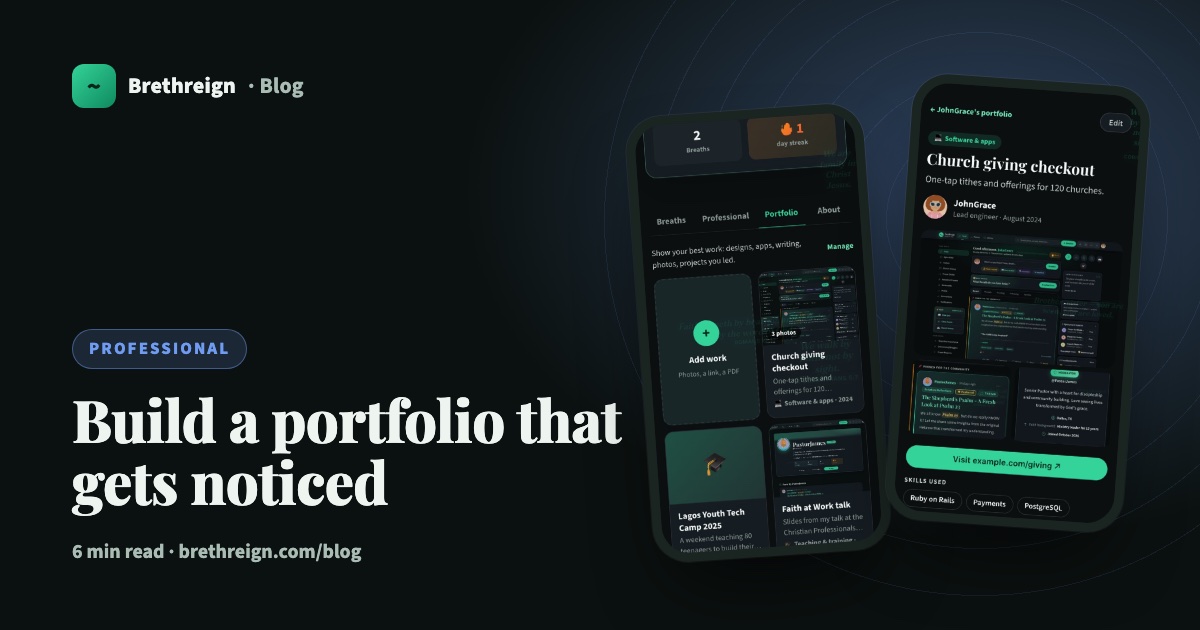
The new Portfolio tab is for work you’re proud of: an app, a design, an event you organised, a talk, a building project, an outreach. Each piece can have up to 8 photos, a link, a PDF and the story of how it came together. Visitors only see your Portfolio tab once there is work in it. See Build a portfolio that gets noticed.
Get started in three steps
- Fill in the basics. Open Settings → Professional and add a headline, your industry, your church and a few skills. Our guide to setting up your professional profile walks through each field.
- Bring your history across. Use the Import from LinkedIn banner at the top of that page, or add your experience and education by hand with “+ Add”.
- Add one piece of work. Go to your Portfolio tab and tap “Add work”, or open Settings → Portfolio. One good piece is a fine start.
What’s coming
We are building more, and these are planned (dates may change).
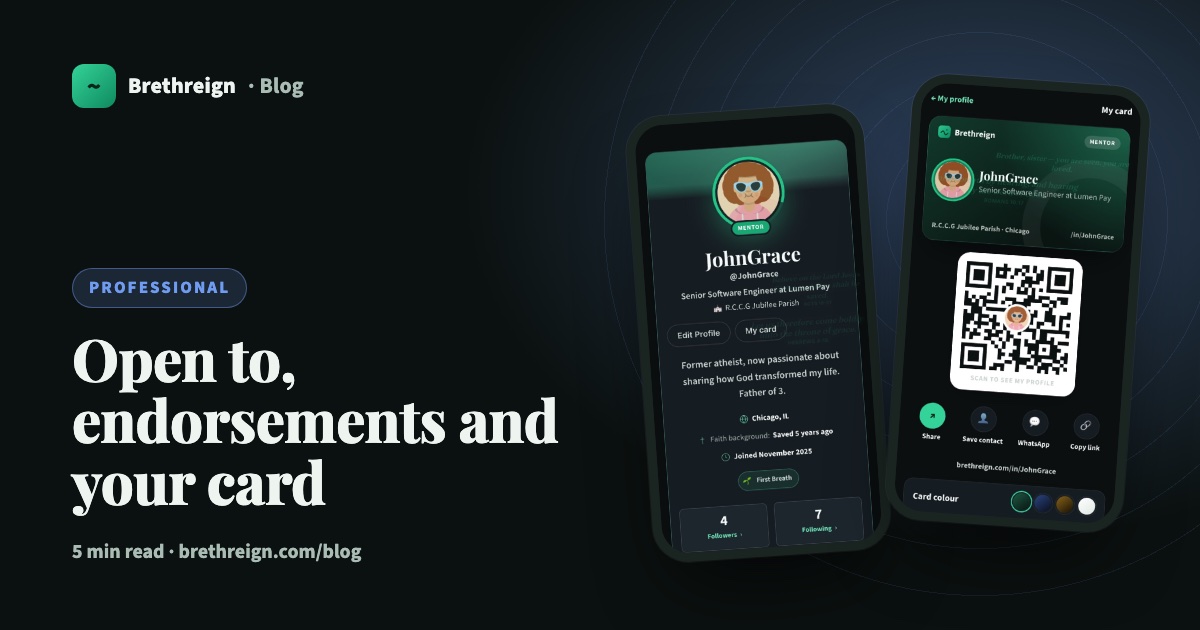
- Now live: “Open to” badges, skill endorsements from your connections, and a digital business card with a short link and QR code. See Open to, endorsements and your business card.
- December 2026: written recommendations from your connections, which you approve first.
- Early 2027: people search with filters such as industry, skill, city, company, school and church; “who viewed your profile”; pages for churches, ministries, companies and NGOs with a verified badge; and job posts from verified pages, each marked “never pay to apply”.
There is more detail in What’s next for Brethreign Professional.
Keep going
Read next
 Professional
Open to, endorsements and your business card: three ways to be found
Tell people what you're open to, let your connections vouch for your skills, and share a digital business card with a QR code.
 Professional
Import your LinkedIn profile into Brethreign
Bring your roles, education, skills, certifications and languages from LinkedIn to Brethreign with a PDF or data export. You check everything first.
 Professional
Build a portfolio that gets noticed
How to add work to your Brethreign portfolio, choose the right pieces for any job, tell the story well, and share it with people who need to see it.
Join Brethreign, free
A safe online home for Christians: breathe, pray, read, chat, and grow in your work.