Add your certifications and languages
How to add licences, certifications and languages to your Brethreign professional profile, and how to pick an honest language level.
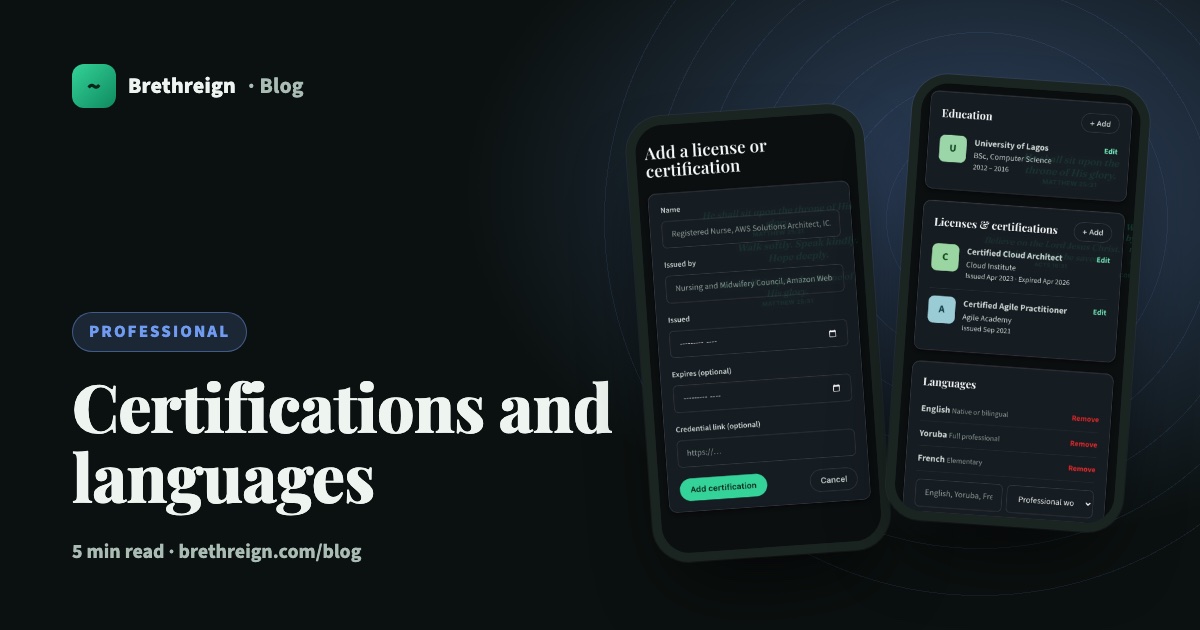
Some of the most important things about your work never fit in a job title. Your nursing licence, your accounting qualification, the three languages you speak. This guide shows you how to add licences, certifications and languages to your Brethreign professional profile, and how to describe your language level honestly.
Why these two sections matter
For many careers, a certification is the first thing people want to see. A nurse needs a current licence to practise. An engineer or accountant often holds a professional qualification that took years to earn. A teacher may have a teaching certificate, and an IT professional may hold a cloud or project management credential.
Languages matter just as much in other lines of work. Translators and interpreters are judged on them. Missionaries and outreach workers often serve in a second or third language. In many parts of the world, speaking the local language alongside English is part of what makes you good at your job.
Adding both gives anyone who visits your Professional tab a clearer, fuller picture of you.
Add a licence or certification
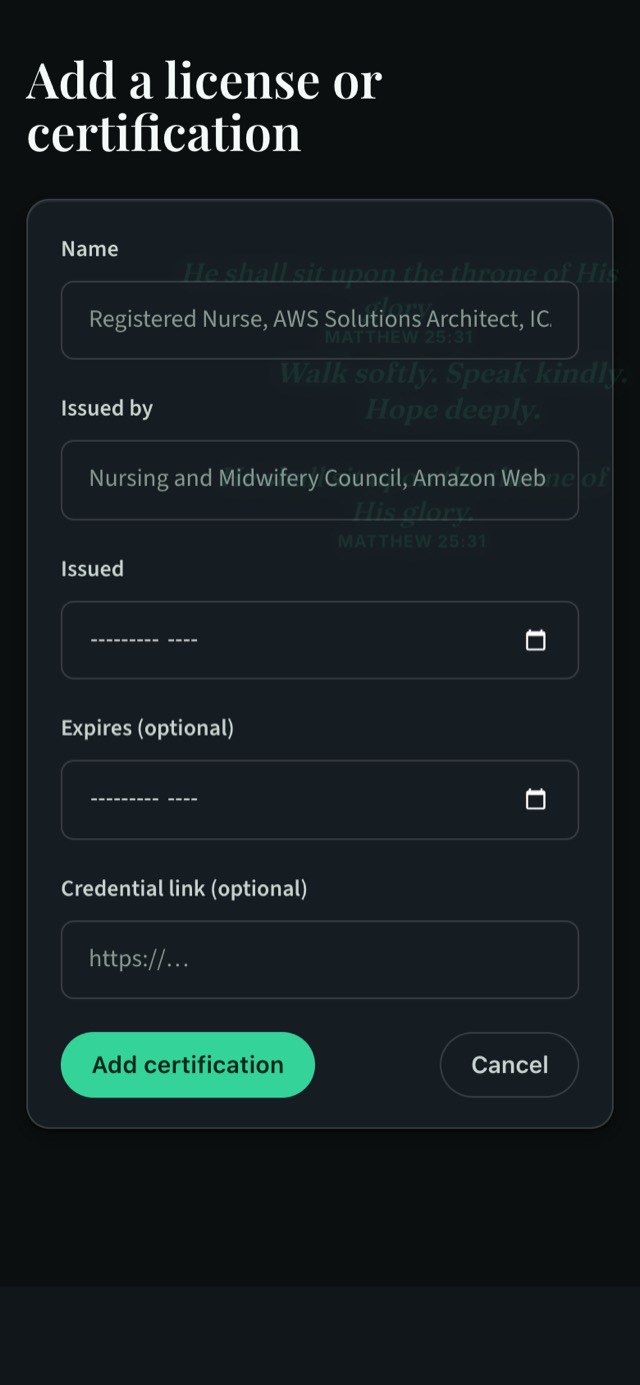
- Open your professional settings. Go to Settings → Professional (/settings/professional/edit). You can also go to your own profile, open the Professional tab and tap + Add on the Licenses & certifications section.
- Fill in the name. Use the full, official name, for example “Registered Nurse” or “Certified Cloud Architect”.
- Add who issued it. This is the body that awarded it, such as a nursing council, a professional institute or a technology company.
- Choose the issued month. Pick the month and year you received it.
- Add an expiry month if there is one. This is optional. Many licences need renewing, so if yours has an end date, add it.
- Add a credential link if you have one. Also optional. The link must start with
https://. Many awarding bodies give you a page that confirms your credential; paste that address here. - Tap Add certification. It now appears on your Professional tab.
What happens after an expiry date
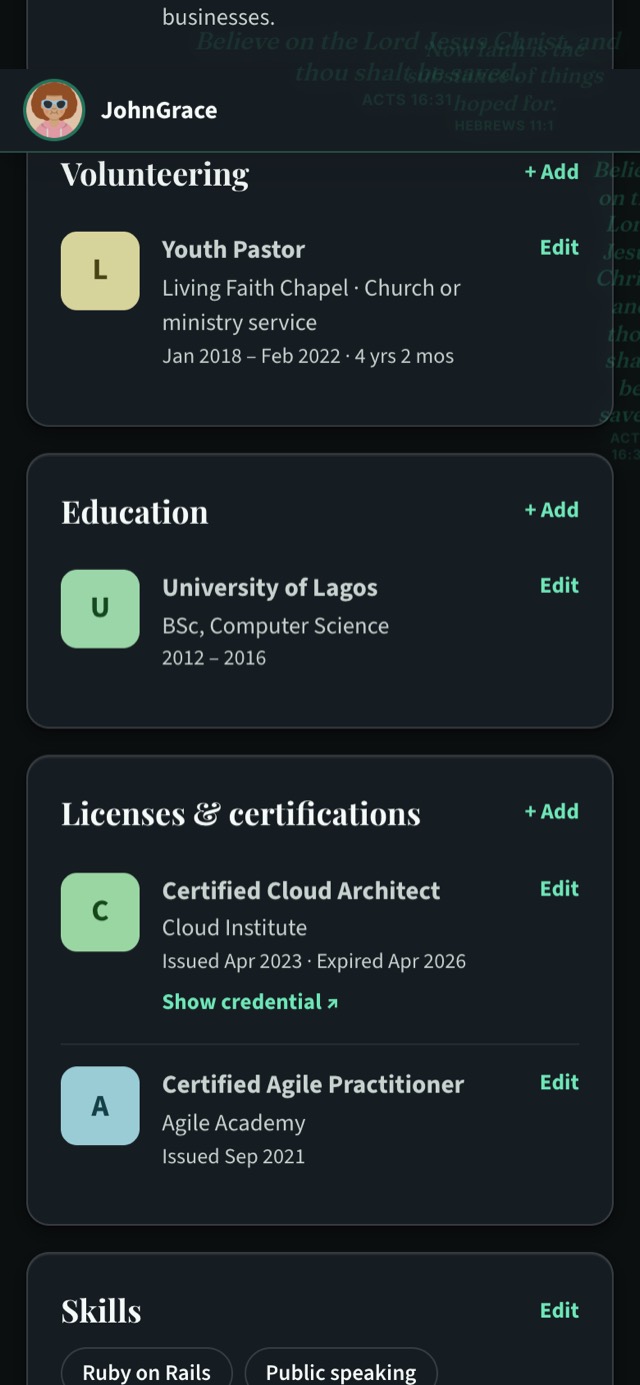
When an expiry month passes, your profile shows the certification as “Expired” next to its dates. This is a good thing. It keeps your profile truthful, and it tells you when it’s time to renew. Once you’ve renewed, tap Edit on the certification and update the dates.
What the credential link does
If you add a credential link, a Show credential ↗ link appears under that certification. A visitor can tap it to see the proof for themselves. For anyone checking that a nurse or accountant is properly qualified, this one link can save a lot of back and forth.
Add your languages
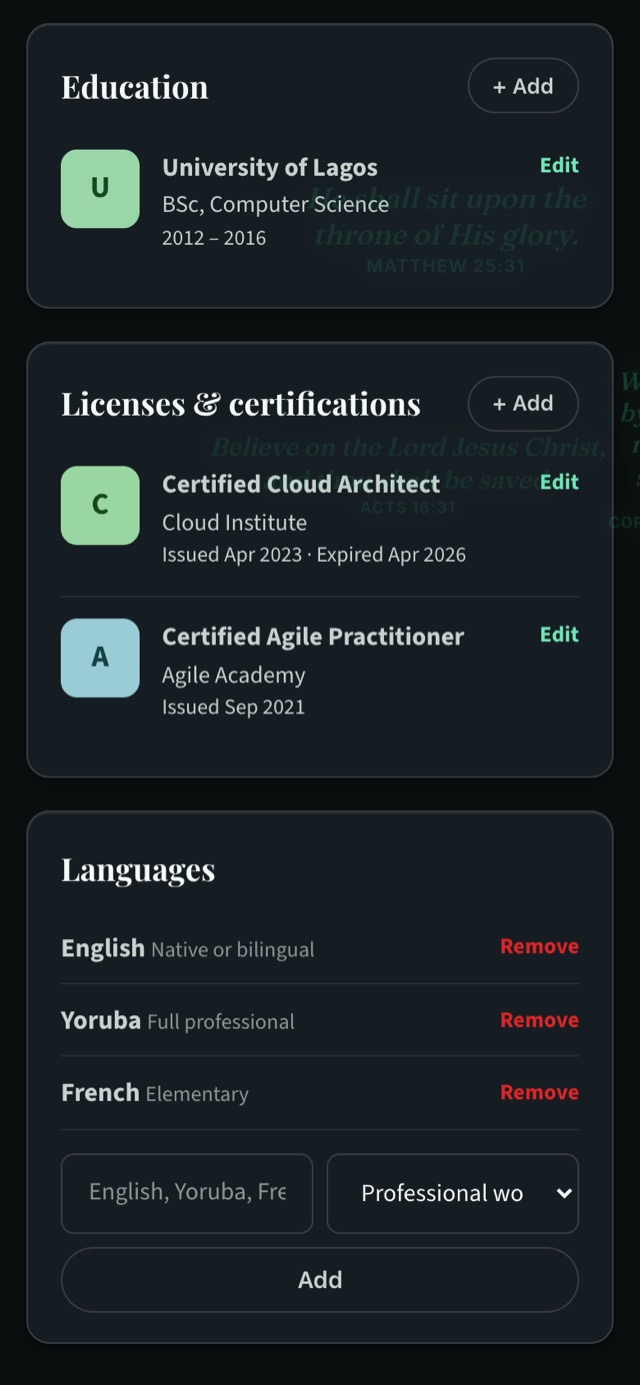
Languages are added right on the settings page, without opening a separate form.
- Open Settings → Professional and scroll down to Languages.
- Type the language in the box, for example “Yoruba”, “French” or “Twi”.
- Pick your level from the list next to it.
- Tap Add. The language joins your list straight away.
If you make a mistake, tap Remove next to the language and add it again with the right level.
Choosing the right level honestly
There are five levels. Here is a plain way to think about each one.
- Elementary. You can greet people, ask simple questions and follow slow, simple speech. You would struggle in a meeting.
- Limited working. You can handle everyday conversations and simple work tasks, but you need help with anything detailed or technical.
- Professional working. You can do most of your job in this language: meetings, emails, explaining your work. You may still make small mistakes or reach for words.
- Full professional. You work in this language comfortably and accurately, including on complex or sensitive subjects.
- Native or bilingual. You grew up with it, or you are as at home in it as you are in your first language.
When you’re between two levels, choose the lower one. It’s far better for someone to discover you speak a language better than you claimed than the other way round. If a church, school or employer contacts you because of a language on your profile, they’ll expect you to be able to use it at that level.
“Let your yea be yea; and your nay, nay.” (James 5:12)
That goes for profiles too. An honest profile builds trust, and trust is what makes connections worth having.
A few examples
- A nurse might add her registration, with its expiry month, and a credential link from the nursing council.
- A teacher might add a teaching qualification, plus English at Native or bilingual and French at Professional working.
- A translator might list four languages at different levels, and a translation certification.
- A missionary might add a language learned in the field at Limited working, and update it as it grows.
Keep going
Read next
 Professional
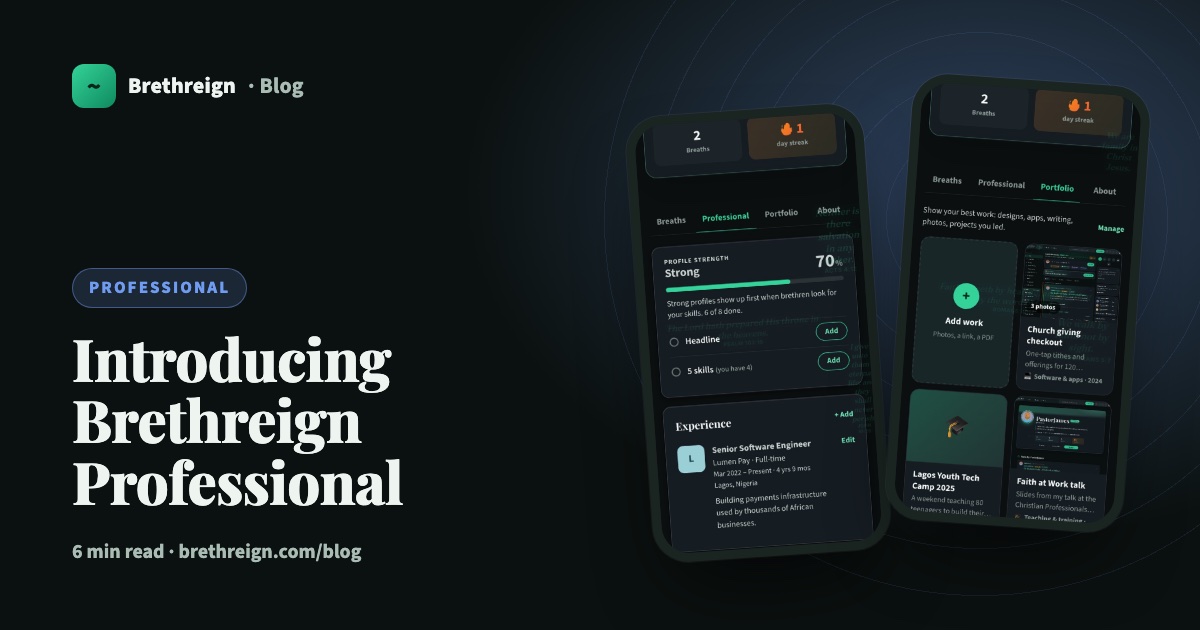
Introducing Brethreign Professional: your faith and your work in one place
Brethreign now has a professional side: a Professional tab, profile strength, LinkedIn import, Volunteering and a Portfolio for work you're proud of.
 Professional
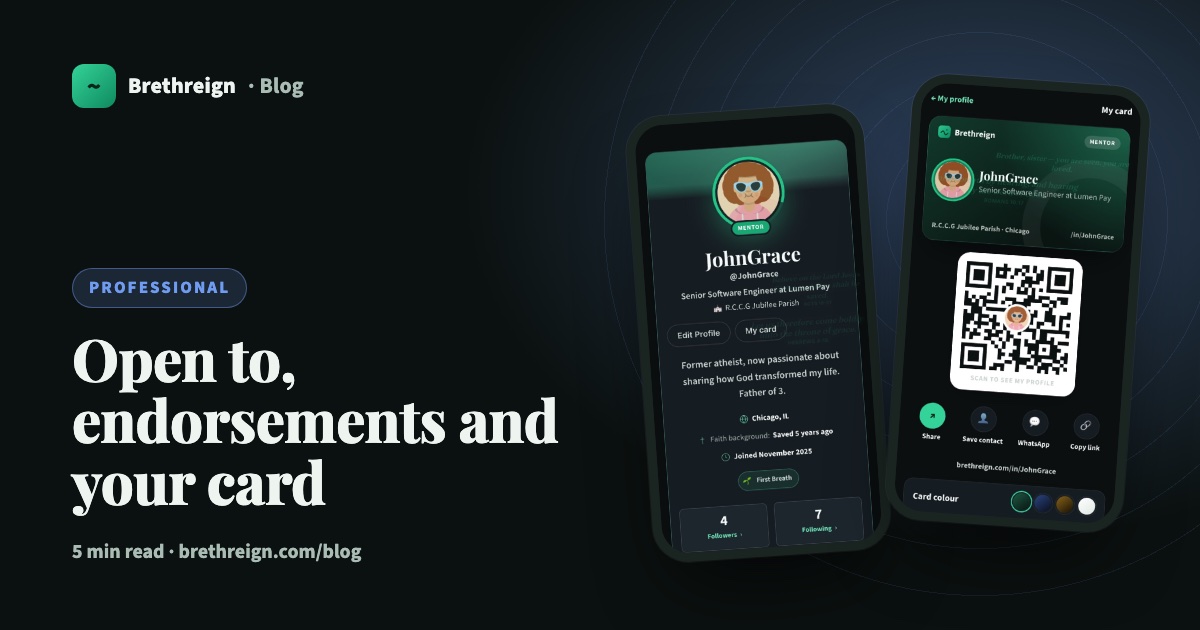
Open to, endorsements and your business card: three ways to be found
Tell people what you're open to, let your connections vouch for your skills, and share a digital business card with a QR code.
 Professional
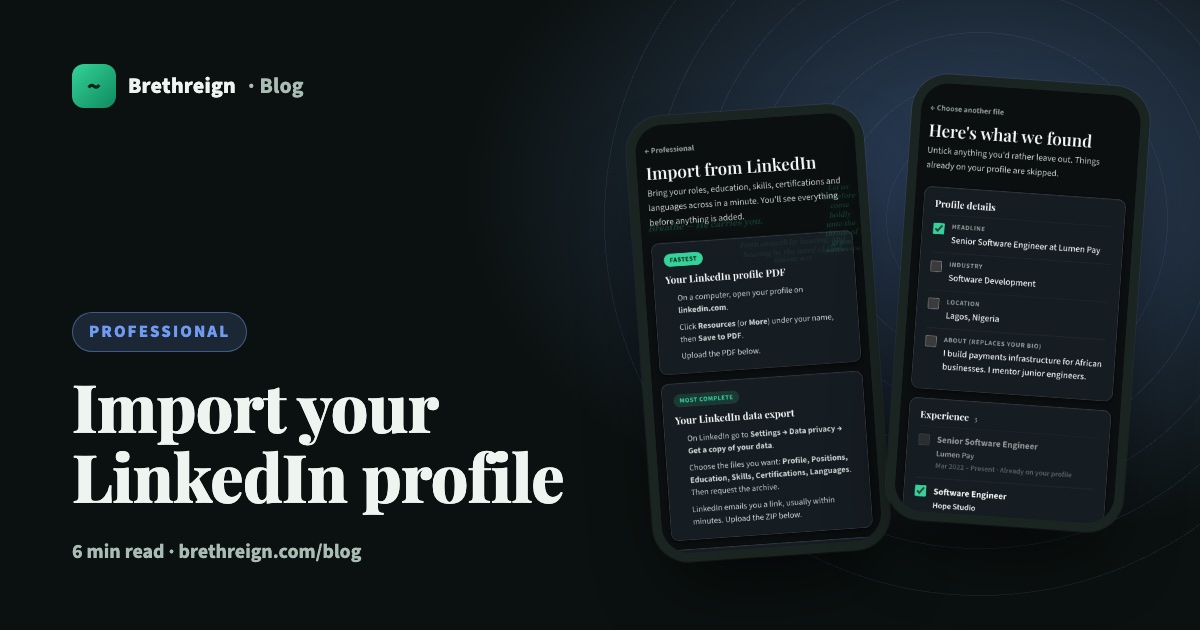
Import your LinkedIn profile into Brethreign
Bring your roles, education, skills, certifications and languages from LinkedIn to Brethreign with a PDF or data export. You check everything first.
Join Brethreign, free
A safe online home for Christians: breathe, pray, read, chat, and grow in your work.