The Bible in Brethreign: read, reflect and share
Open the Bible from anywhere on Brethreign, see what members breathed about a verse, follow a reading plan and share scripture in a breath or chat.
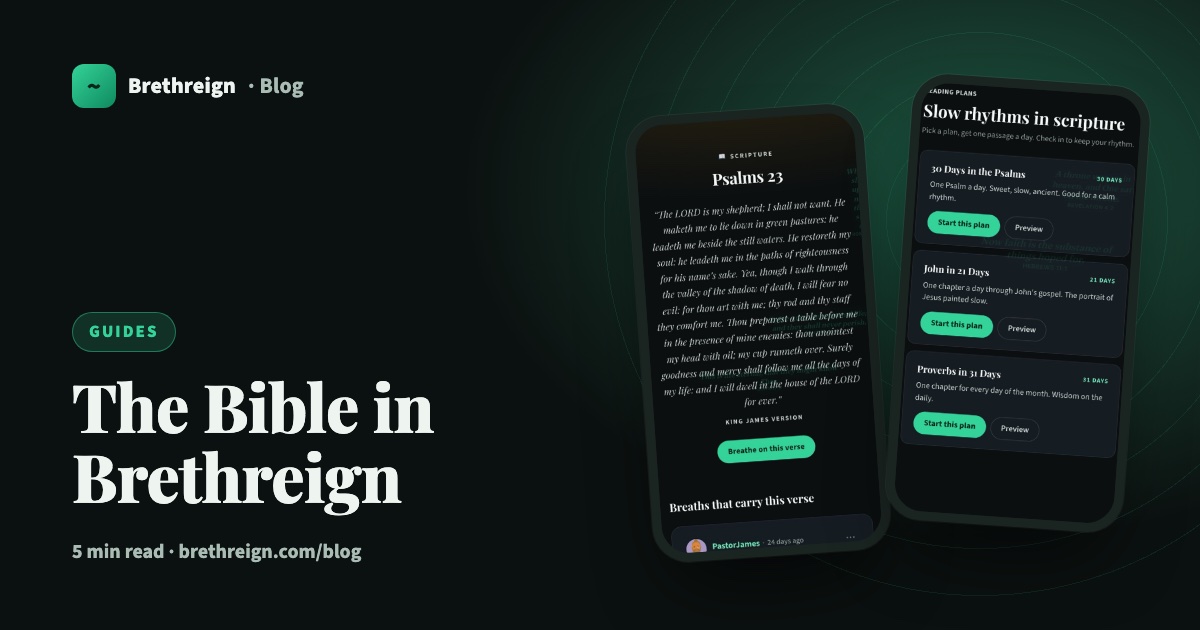
Brethreign was built around scripture, so the Bible is never more than a tap away. This guide shows you how to open it from anywhere, what you will find on each verse’s page, how reading plans work, and the easiest ways to share a verse with someone who needs it.
Thy word is a lamp unto my feet, and a light unto my path. (Psalm 119:105)
Open the Bible from anywhere
You do not need to go hunting for a separate Bible app. Open Bible is available from anywhere on Brethreign, so you can look up a passage while you are reading the feed, writing a breath or chatting with a friend.
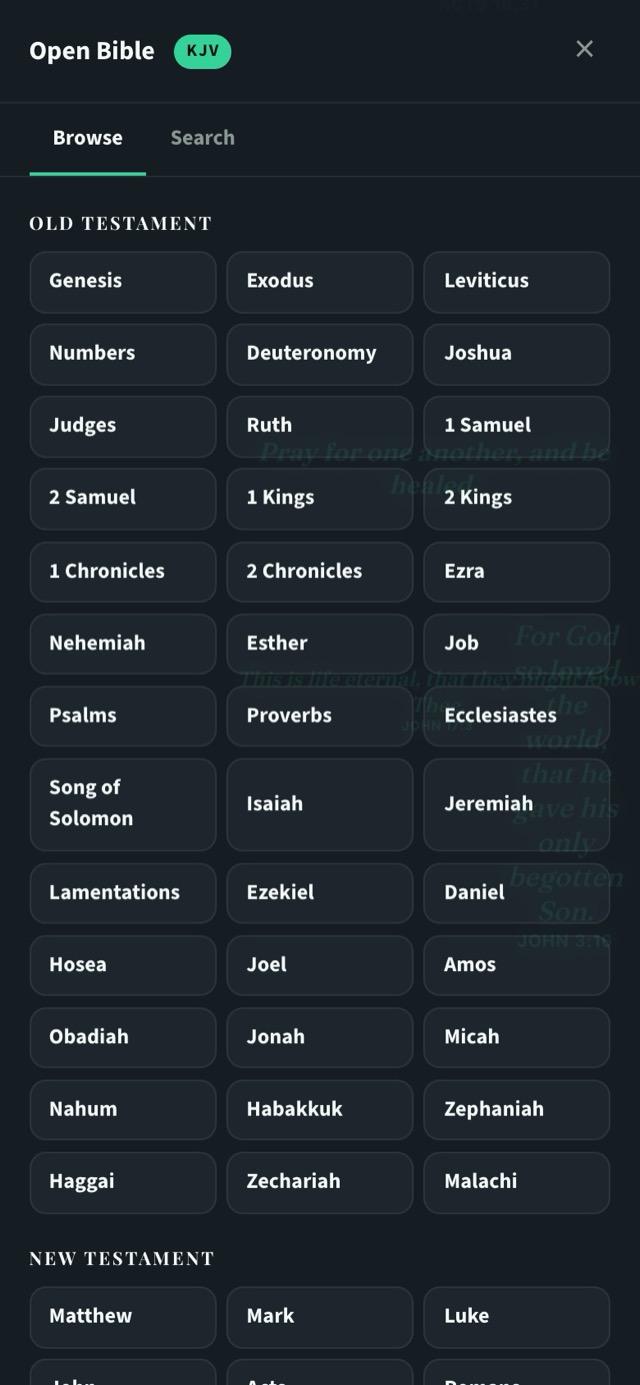
Inside the panel you can:
- Browse. Pick a book from the Old Testament or New Testament list and read.
- Search. Switch to the Search tab and type a word or phrase when you remember part of a verse but not where it is.
- Copy. Copy a verse to paste wherever you need it.
- Share. Send a verse on to someone, inside Brethreign or beyond it.
Every verse has its own page
Each verse on Brethreign has a page of its own. At the top is the scripture itself. Below it, under “Breaths that carry this verse”, you will see what members have breathed about it: reflections, testimonies and longer threads.
This is one of the quieter joys of Brethreign. Open Psalm 23 and you can read how other believers have leaned on it in hard seasons and good ones.
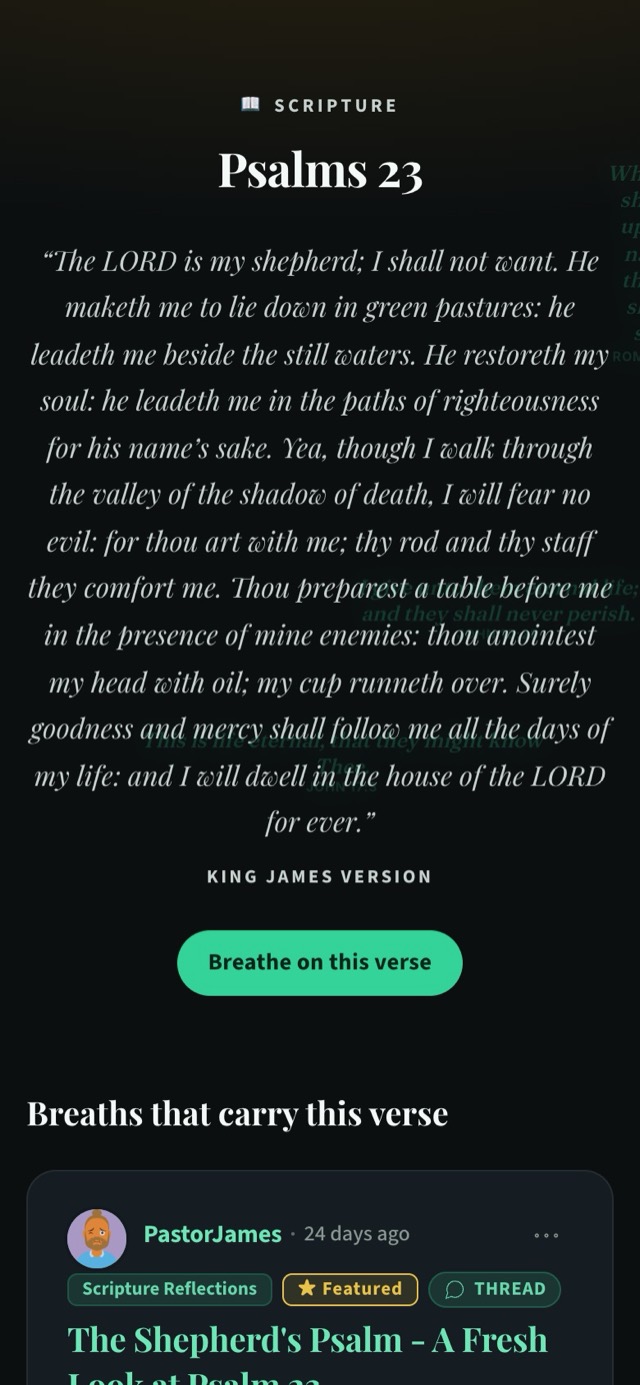
Breathe on this verse
If a verse speaks to you, tap Breathe on this verse and write what God showed you through it. The breaths on a verse’s page come from members doing exactly that, so the next person who opens the verse may be encouraged by what you wrote.
Reading plans
Reading a whole book of the Bible is easier when someone hands you one passage a day. That is what reading plans are for. You will find them at /reading_plans.
The plans available are:
- 30 Days in the Psalms. One Psalm a day, for a calm rhythm.
- John in 21 Days. One chapter a day through John’s gospel.
- Proverbs in 31 Days. One chapter for every day of the month.
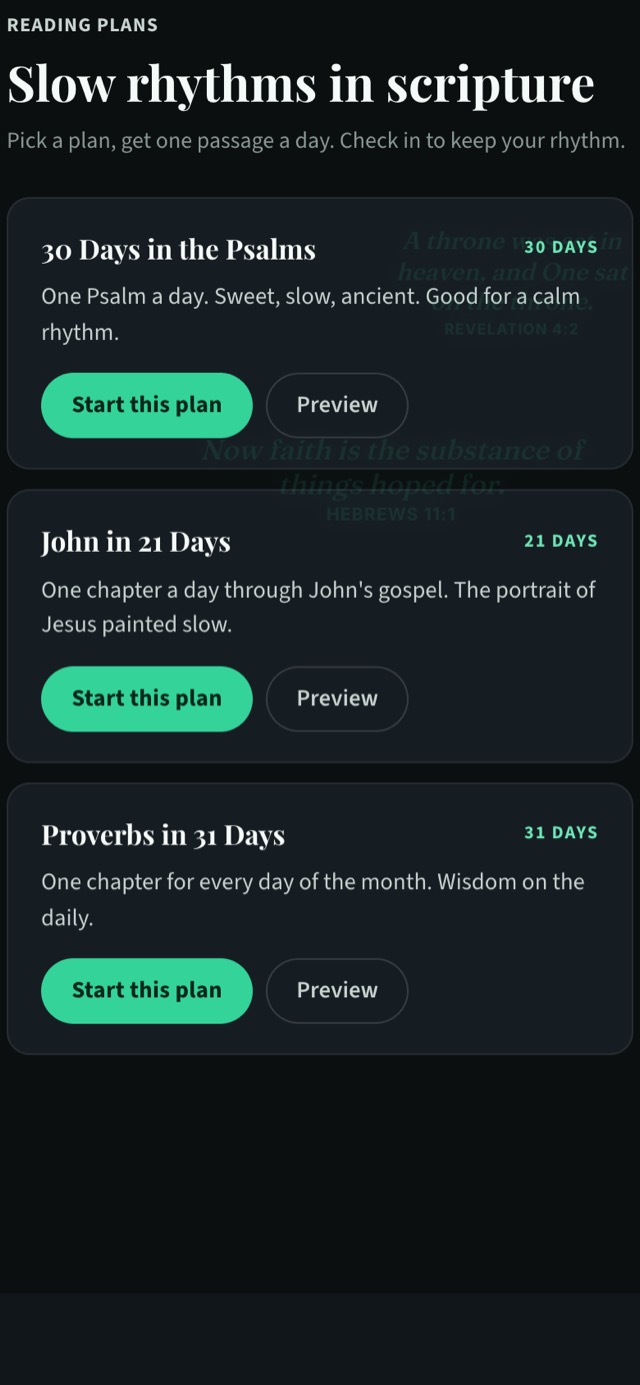
To begin:
- Open Reading plans. Go to /reading_plans.
- Have a look first. Tap Preview to see what the plan covers.
- Start. Tap Start this plan when you are ready.
- Read and check in. Each day, read that day’s passage and check in to keep your rhythm.
Share a verse
Scripture is meant to be passed on. There are a few easy ways to do it.
In a breath
On the feed, tap the Share a verse chip under “What breath do you have today?”, or add a Bible verse from inside the composer when you take a breath. You can also use Suggest scripture in the composer if you have written something and would like a verse to go with it.
In a chat
In any private chat, tap the book icon under the message box, pick a verse and send it. A verse in a private message can be exactly the word someone needed that day. Read more in our guide to private chats.
Outside Brethreign
From the Open Bible panel you can copy or share a verse to send it wherever your friends and family are.
Verse of the day
Brethreign also offers a verse of the day: one verse to carry with you. It is a simple way to start the day in the Word, even on mornings when there is no time for a full reading.
Keep going
Read next
 Guides
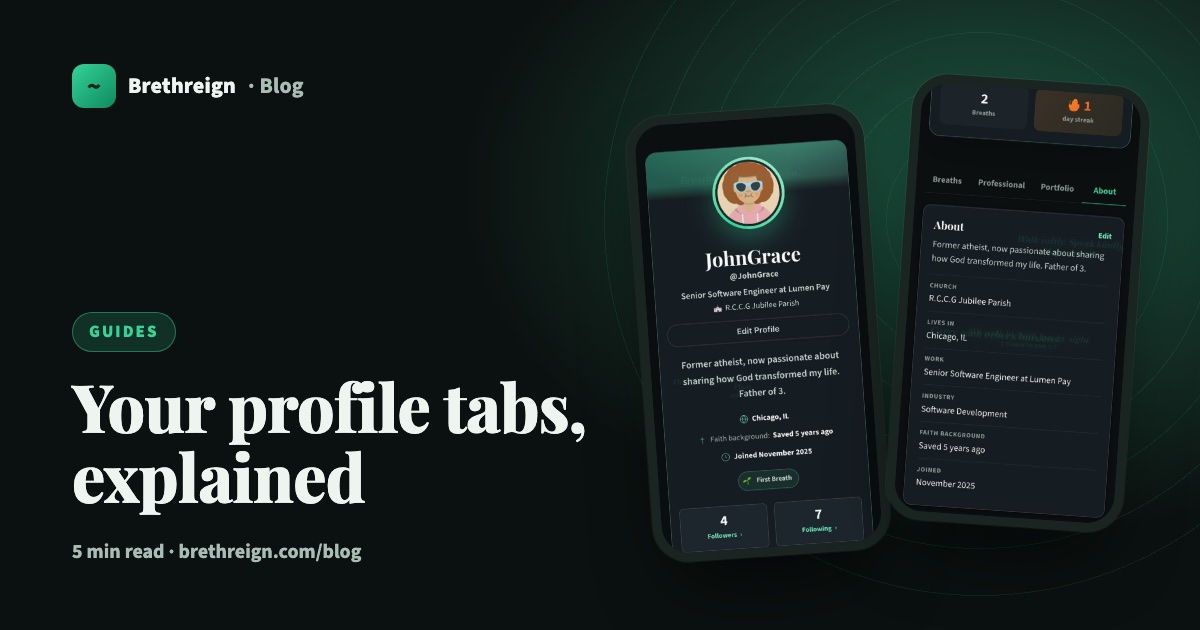
Your profile tabs, explained
A tour of the Breaths, Professional, Portfolio and About tabs on your Brethreign profile: what visitors see, what only you see, and how privacy works.
 Guides
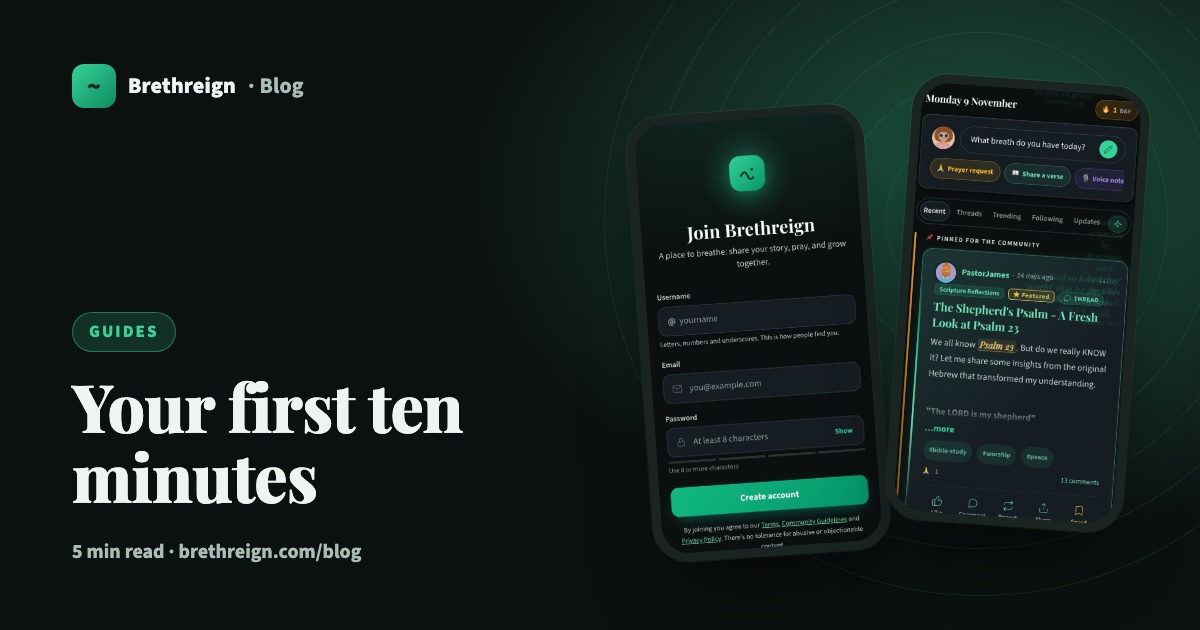
Getting started on Brethreign: your first ten minutes
Sign up, set up your profile and Brethren Card, find people and rooms, and take your first breath. A step-by-step guide for new members.
 Guides
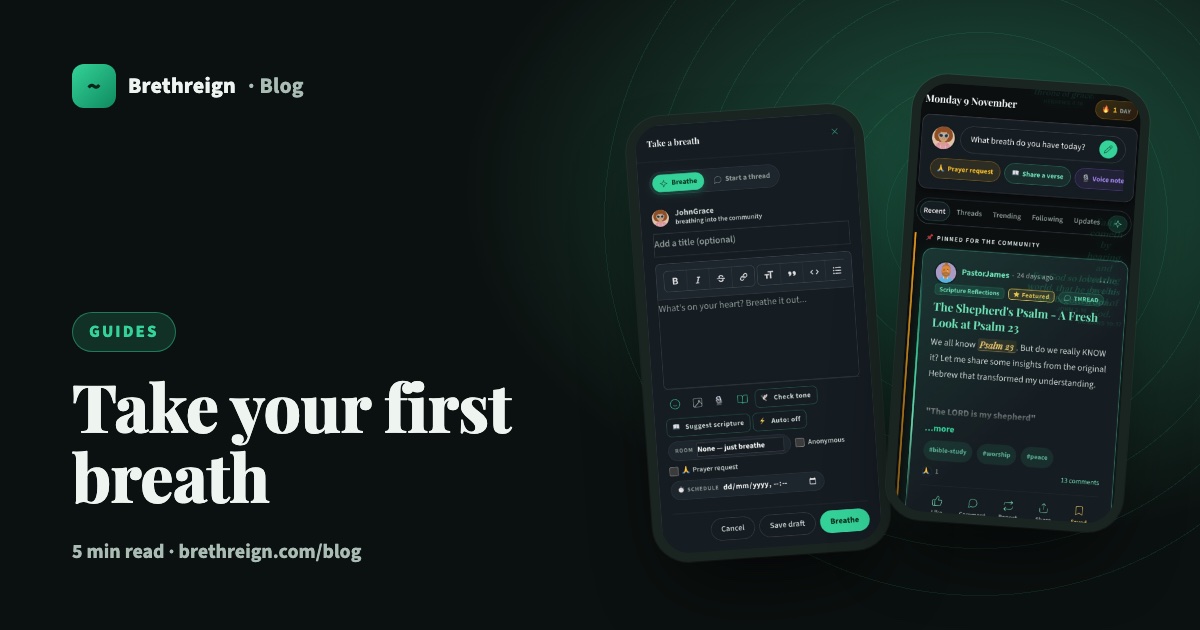
Take your first breath: a guide to posting on Brethreign
Everything the Brethreign composer can do, from photos and voice notes to Check tone, drafts and scheduling, plus how to use the feed.
Join Brethreign, free
A safe online home for Christians: breathe, pray, read, chat, and grow in your work.