Your profile tabs, explained
A tour of the Breaths, Professional, Portfolio and About tabs on your Brethreign profile: what visitors see, what only you see, and how privacy works.
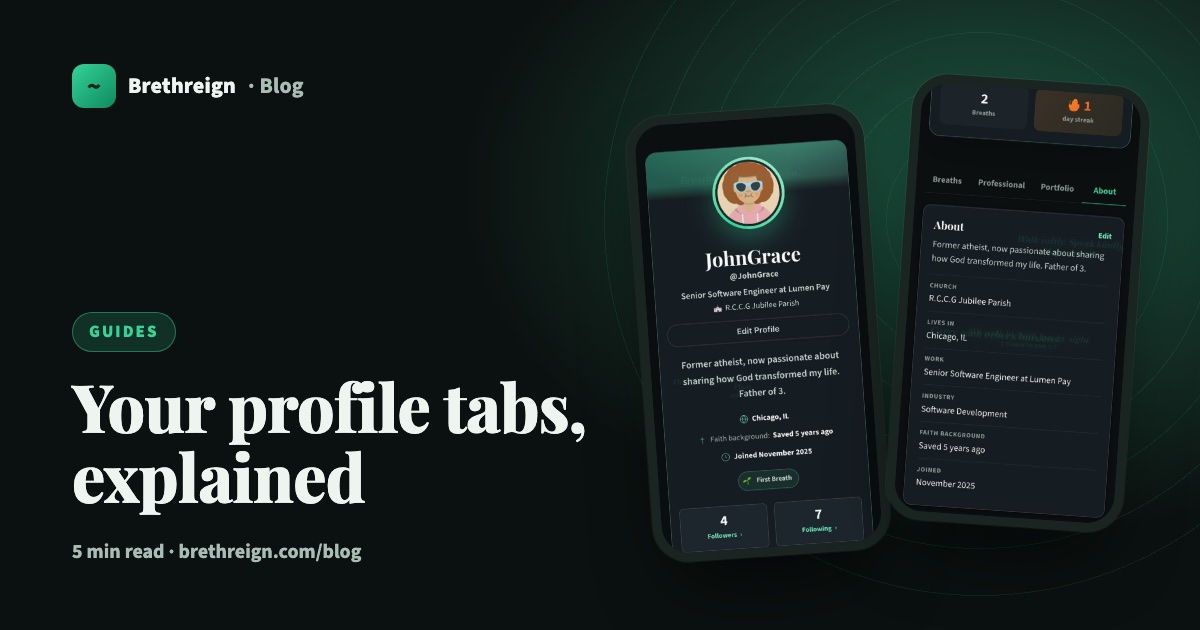
Your Brethreign profile has four tabs: Breaths, Professional, Portfolio and About. Each one shows a different side of you. This guide walks through them one by one, explains what visitors see and what only you see, and shows you how to keep your profile private if you’d like to.
The top of your profile
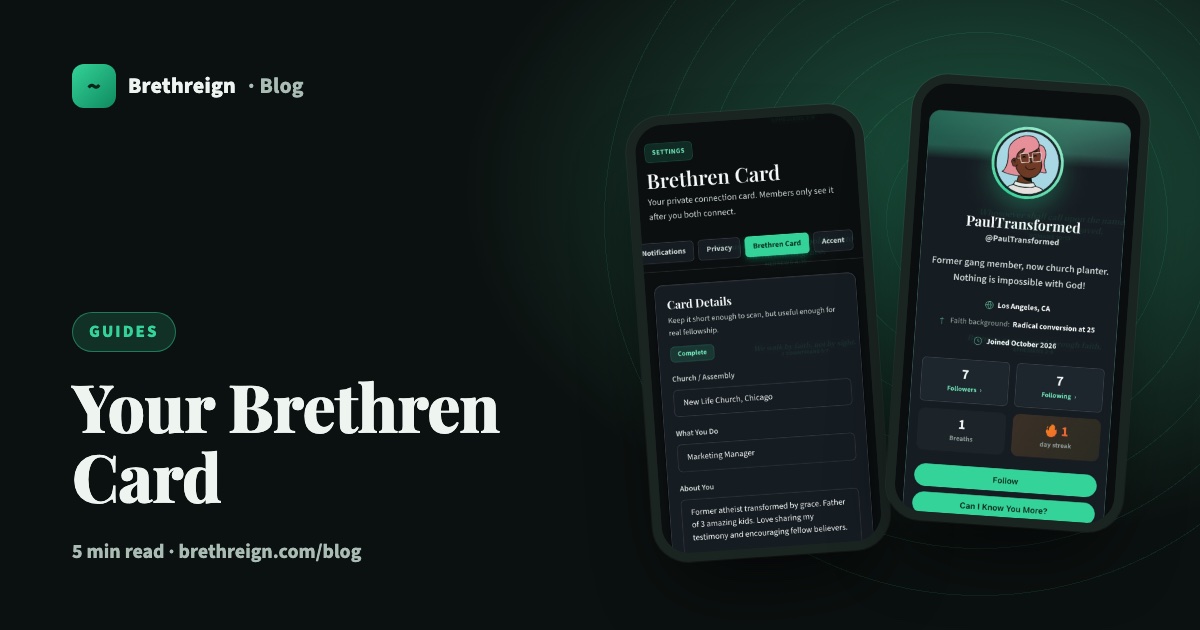
Before the tabs, the top of your profile introduces you. It shows your photo, your username, your headline, your church, a short bio, your city, your faith background, when you joined and any badges you’ve earned, such as First Breath. Below that are your followers, the people you follow, your number of breaths and your streak.
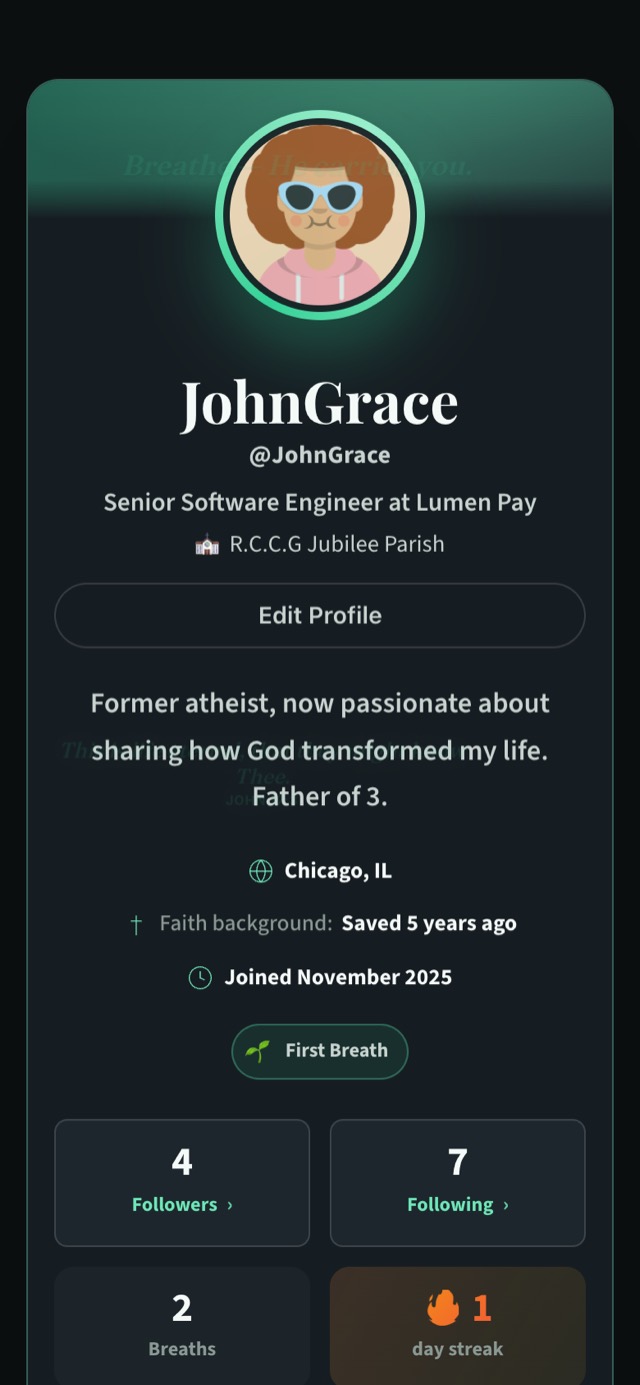
On your own profile you’ll see Edit Profile. On someone else’s, you’ll see Follow and Can I Know You More? instead.
Breaths
The Breaths tab gathers the breaths you’ve shared, so anyone visiting can get a feel for your walk with God and what’s on your heart.
Professional
The Professional tab is your working life: experience, volunteering, education, licences and certifications, skills and languages.
On your own profile, this tab has two extras that visitors never see:
- Profile strength. A card at the top shows how complete your professional profile is, from Starting through Good and Strong to All-star, with your next steps and an Add button beside each.
- + Add and Edit. Every section has these, so you can update your profile right where you’re looking at it.
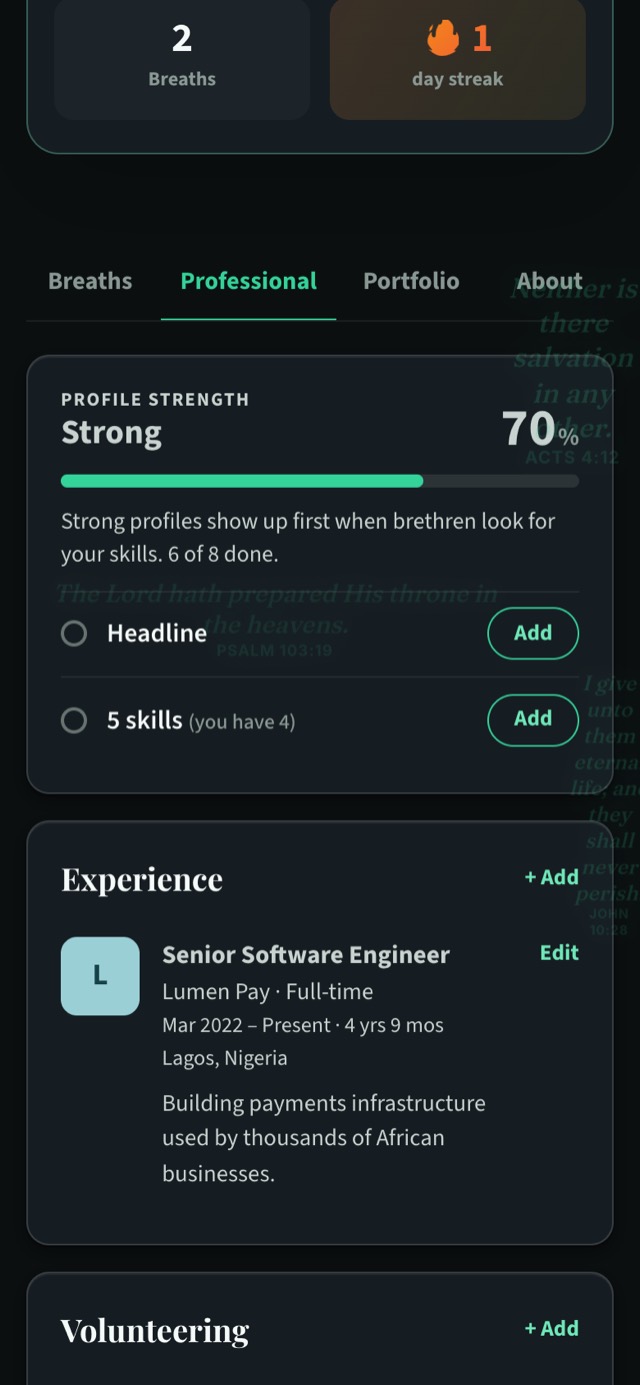
Visitors see the finished profile: your roles, your Volunteering section for church and volunteer work, your qualifications, your skills and your languages.
Portfolio
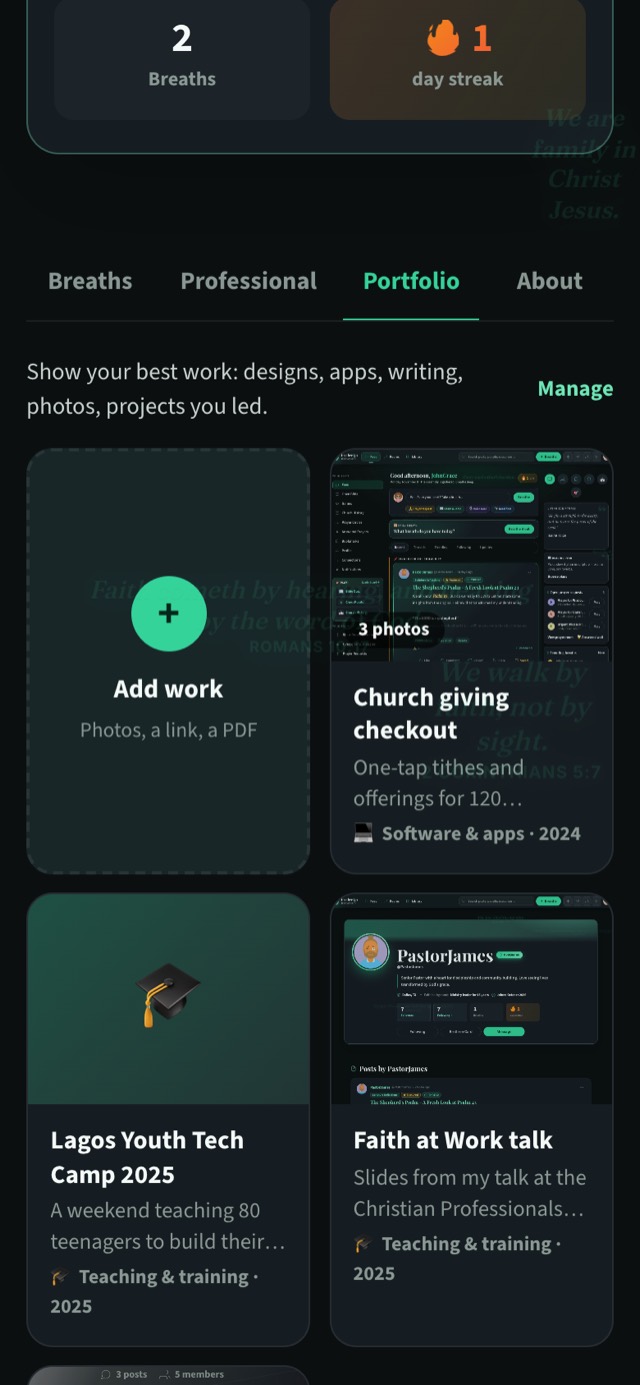
The Portfolio tab is for work you’re proud of: designs, apps, writing, photos, events, projects you led. Each piece has its own page with photos, a story, the skills you used and, if you like, a link or a PDF.
On your own profile, the tab always shows, with an Add work card at the start and a Manage link beside the heading.
Visitors only see the Portfolio tab once there’s work in it. Until then, it stays hidden from them.
About
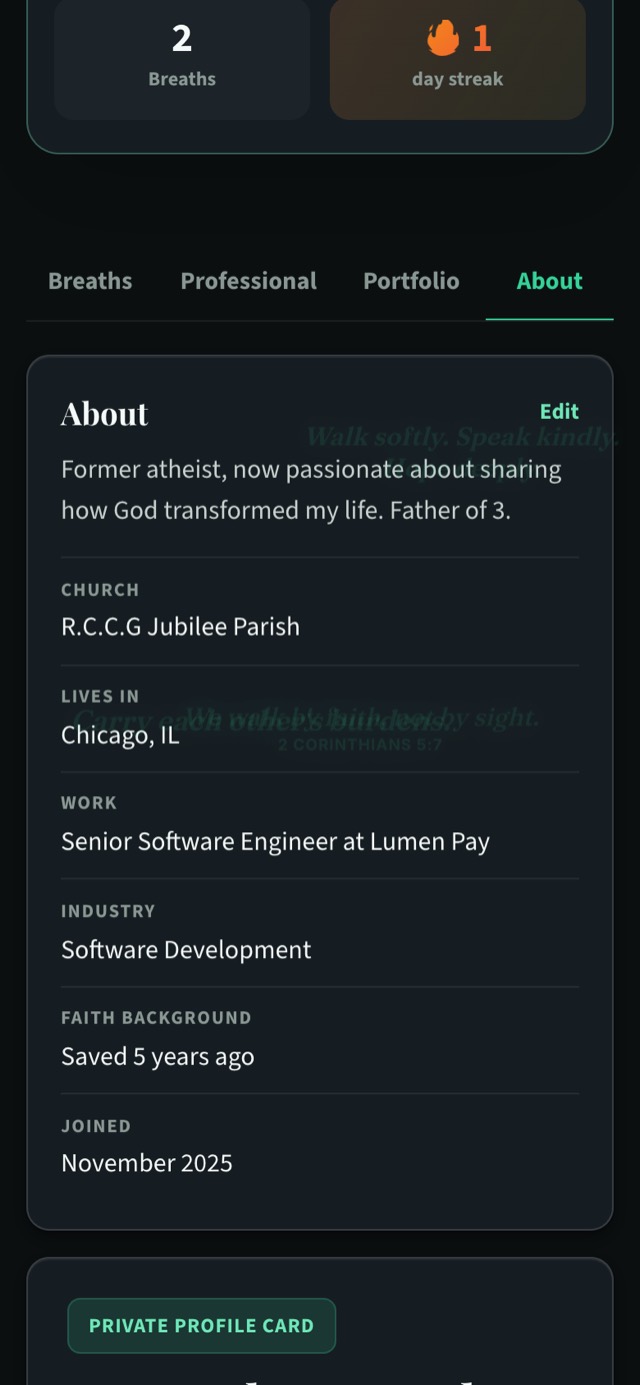
The About tab is the plain facts about you, laid out clearly. It can show:
- your bio
- your church
- where you live (“Lives in”)
- your work
- your industry
- your faith background
- your website
- the month you joined
On your own About tab, there’s one more thing at the bottom: your private Brethren Card. This holds your church or assembly, what you do, your WhatsApp number, your email and a short note. You can see it there so you can check it at a glance. Other people only see your Brethren Card after you’ve both agreed to connect.
Keeping your profile private
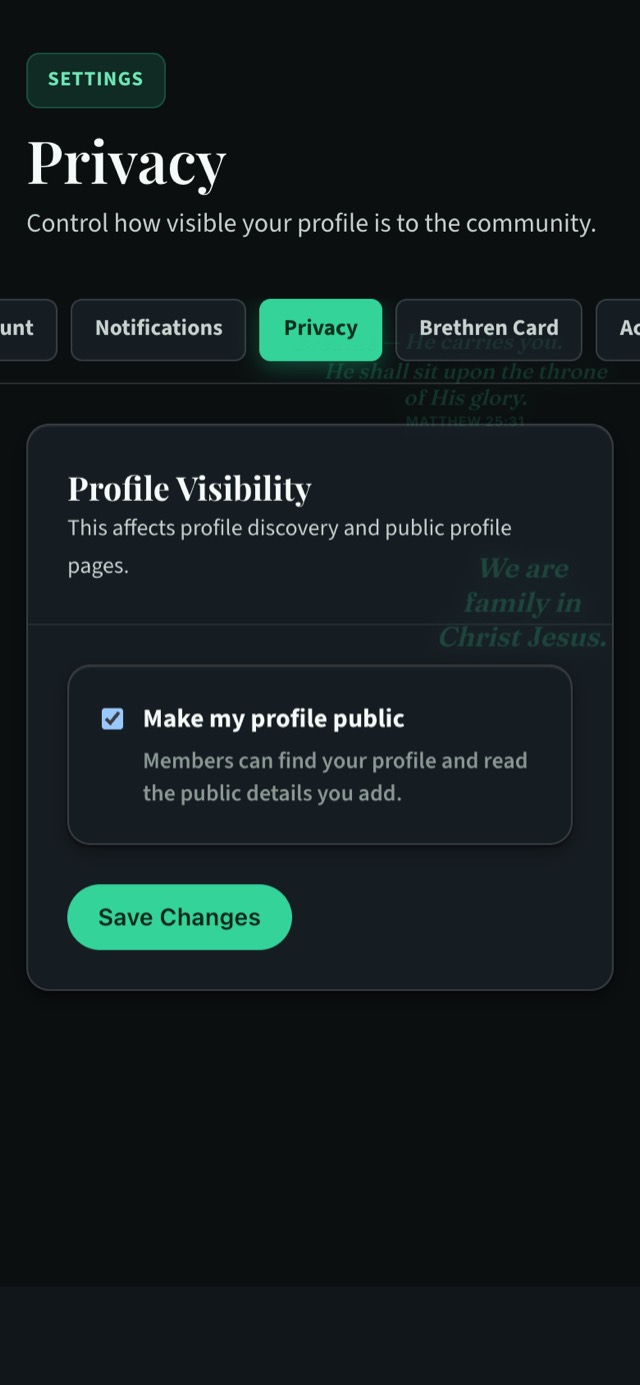
When “Make my profile public” is ticked, members can find your profile and read the public details you’ve added. If you’d prefer to keep things to yourself, you can change that.
- Open Settings → Privacy (/settings/privacy/edit).
- Untick “Make my profile public”. This keeps your posts and portfolio to yourself.
- Tap Save Changes.
You can tick the box again whenever you’re ready to be found.
A private profile is a good choice for some people, and a public one suits others, especially if you’re building a professional presence. Whichever you choose, your Brethren Card stays for connections only.
“Let your light so shine before men, that they may see your good works, and glorify your Father which is in heaven.” (Matthew 5:16)
Keep going
Read next
 Guides
Getting started on Brethreign: your first ten minutes
Sign up, set up your profile and Brethren Card, find people and rooms, and take your first breath. A step-by-step guide for new members.
 Guides
Take your first breath: a guide to posting on Brethreign
Everything the Brethreign composer can do, from photos and voice notes to Check tone, drafts and scheduling, plus how to use the feed.
 Guides
Your Brethren Card and how connecting works
What the Brethren Card is, who can see it, and how 'Can I Know You More?' lets you connect with other believers safely on Brethreign.
Join Brethreign, free
A safe online home for Christians: breathe, pray, read, chat, and grow in your work.