The Updates tab: news, sports, jobs and courses in your feed
Meet the four Brethreign bots behind the Updates tab, learn to filter and switch them off, and how to spot job scams anywhere online.
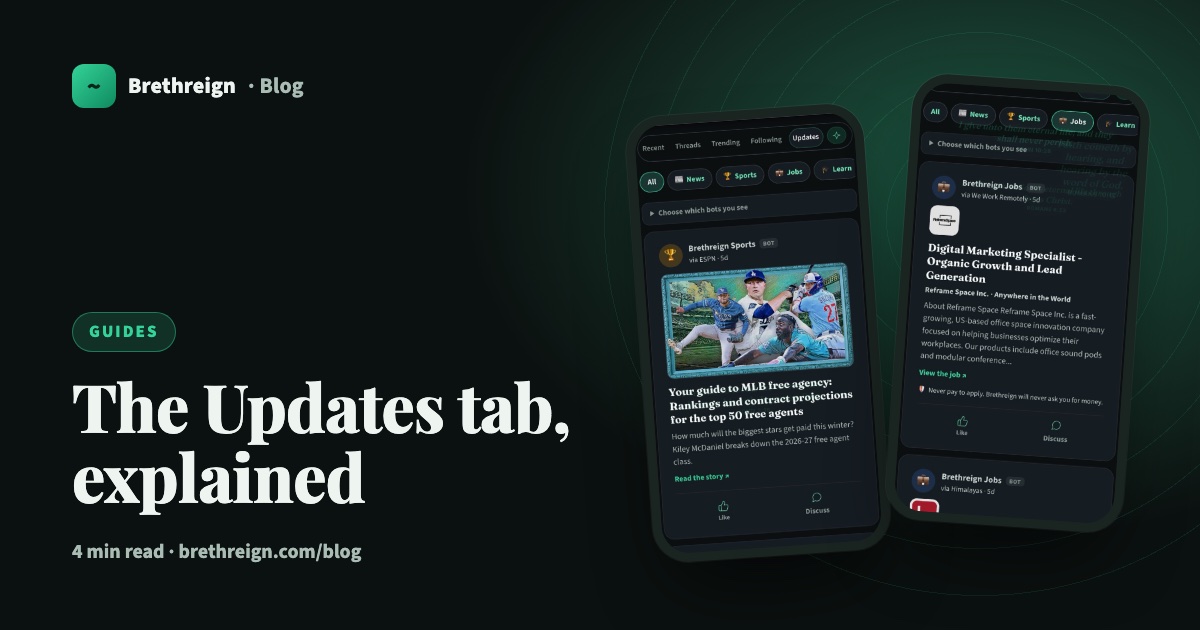
Your feed is for breaths from brothers and sisters. But most of us also want to know what is happening in the world, how our team got on, and whether there is a job or a free course worth applying for. The Updates tab brings all of that into Brethreign, in one clean place, without crowding out the people you follow.
What the Updates tab is
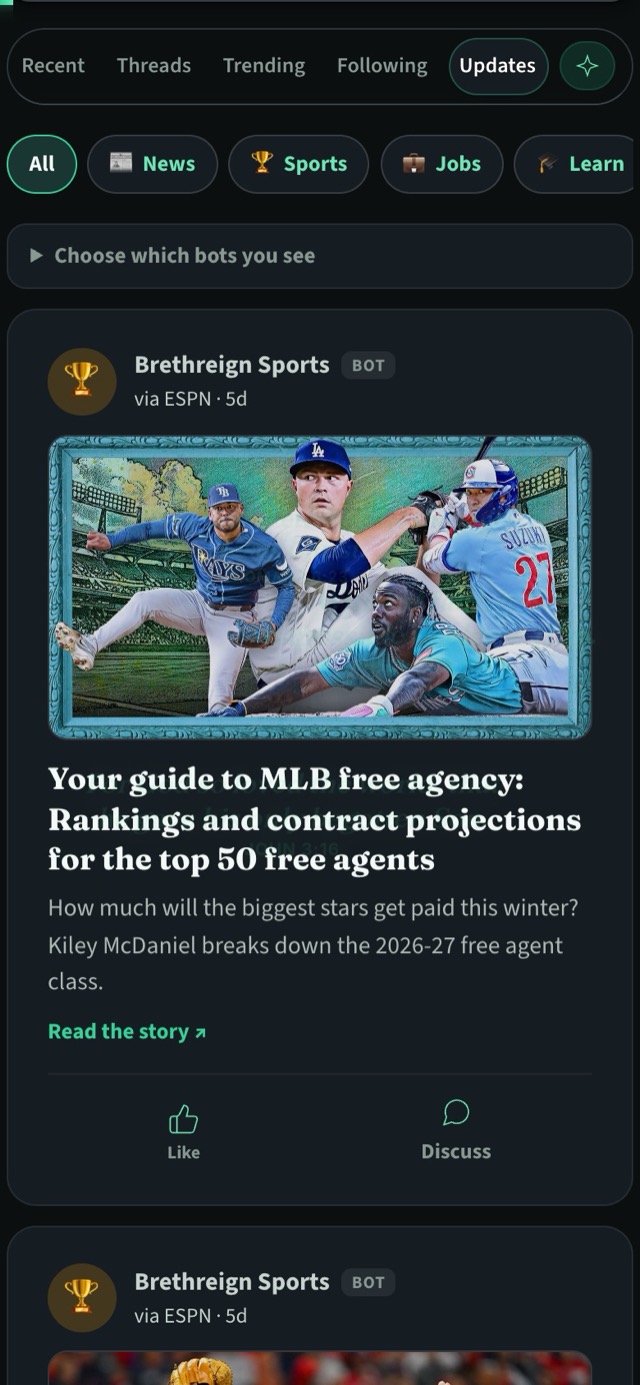
At the top of the feed you will see the tabs Recent, Threads, Trending, Following and Updates. Tap Updates and you will find posts from Brethreign’s bots. Each one is clearly labelled BOT, so you always know you are reading an automated update and not a breath from a member.
Each bot gathers stories from outside sources (a sports story might say “via ESPN”, a job “via We Work Remotely”) and shows you the headline, a short summary and a link to read more. You can like an update, or tap Discuss to talk about it with other members.
The four bots
There are four bots, and each brings something different.
- News. Stories from around the world, covering politics, tech and AI, science, health, food and faith.
- Sports. The latest from the sporting world.
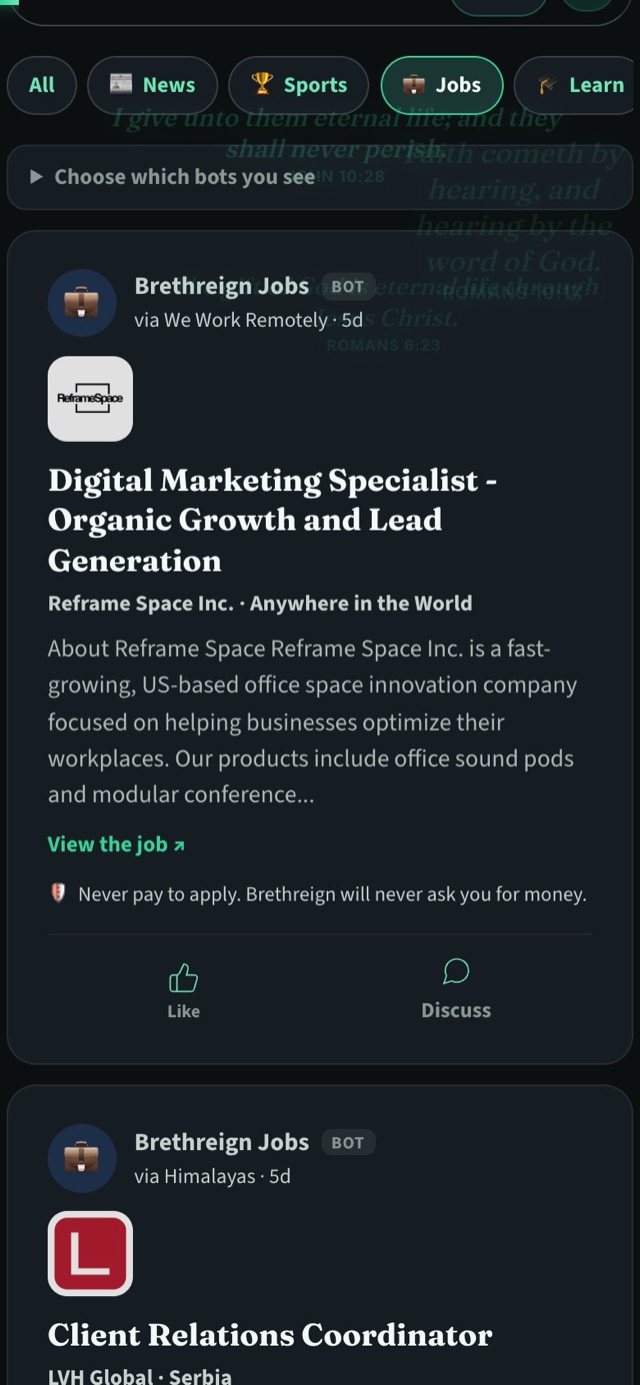
- Jobs. Remote jobs that are open to applicants worldwide.
- Learn. Free courses and scholarships.
Brethreign’s AI keeps gambling, explicit content and scams out of the Updates tab. That matters on a Christian network, and it matters even more for jobs and courses, where scammers like to hide.
Filter what you see
Just under the tabs is a row of filter chips: All, News, Sports, Jobs and Learn. All shows everything together. Tap any other chip to see only that bot’s posts.
- Open the Updates tab. Go to the feed and tap Updates, or visit /feed/updates.
- Pick a chip. Tap Jobs if you are job hunting this week, or Learn if you are looking for a course.
- Go back to everything. Tap All.
Choose which bots you see
If a bot is not for you, you can switch it off. Not everyone follows sport, and someone with a settled job may not want job posts at all.
- Open the Updates tab.
- Tap “Choose which bots you see”. It sits just under the filter chips.
- Switch off the bots you don’t want. Their posts stop appearing in your Updates tab.
Jobs and courses: never pay to apply
Every job and every course in the Updates tab carries the same line:
Never pay to apply. Brethreign will never ask you for money.
We put it on every listing because job scams are common and they hurt people who can least afford it. A genuine employer pays you. They do not ask you to pay them.
How to spot a job scam anywhere
These habits will protect you on Brethreign, on other websites, on WhatsApp and in email.
- Any fee is a warning sign. Be very wary of anyone asking for an “application fee”, “registration fee”, “training fee”, a payment for equipment or a charge to process a visa before you are hired.
- Never share codes or bank logins. No employer needs your OTP, your bank PIN or your online banking password. Anyone who asks for them is trying to take your money.
- Check the company yourself. Find the company’s own website and look for the job there. Apply through official pages, not a link someone sent you.
- Watch out for pay that sounds too good. Very high pay for very little work, with no real interview, is a common lure.
- Be careful when everything happens in a chat app. Many scams start with a “recruiter” who will only talk by text and pushes you to decide quickly.
- Slow down when you are rushed. Pressure to act today is a tactic. A real opportunity can wait for you to check it.
- Ask someone you trust. A friend, a parent or someone at church can often see what we miss when we are hoping for good news.
Keep going
Read next
 Guides
Your profile tabs, explained
A tour of the Breaths, Professional, Portfolio and About tabs on your Brethreign profile: what visitors see, what only you see, and how privacy works.
 Guides
Getting started on Brethreign: your first ten minutes
Sign up, set up your profile and Brethren Card, find people and rooms, and take your first breath. A step-by-step guide for new members.
 Guides
Take your first breath: a guide to posting on Brethreign
Everything the Brethreign composer can do, from photos and voice notes to Check tone, drafts and scheduling, plus how to use the feed.
Join Brethreign, free
A safe online home for Christians: breathe, pray, read, chat, and grow in your work.