How "Brethren you may know" works
Why Brethreign suggests the people it does, the difference between Connect and Follow, and how to connect with care.
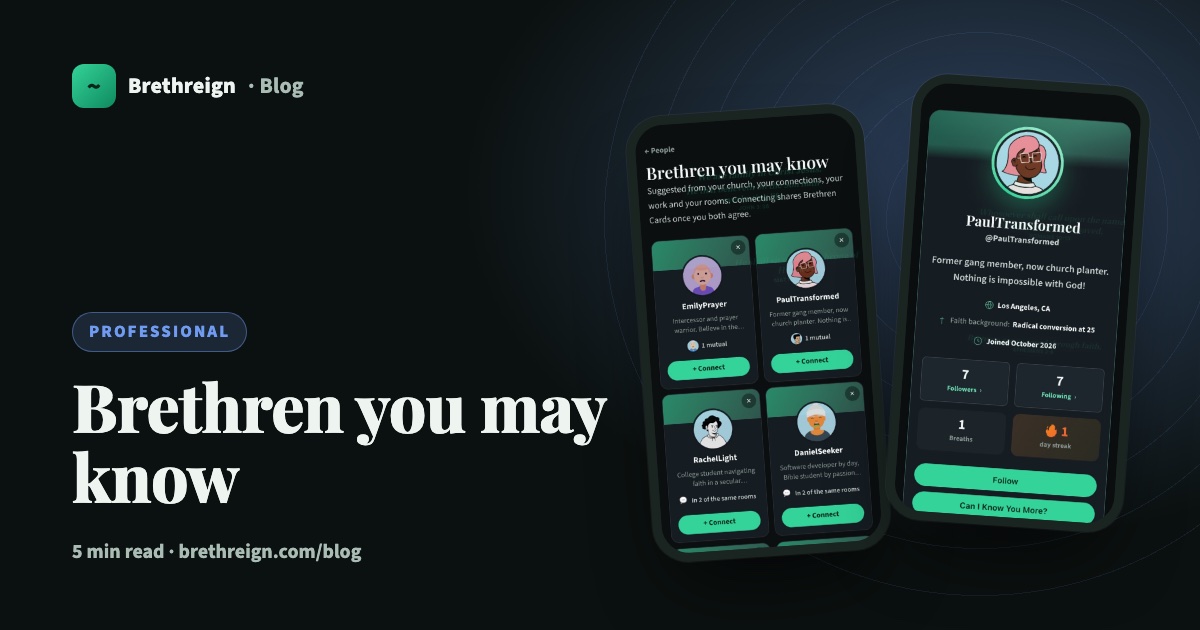
“Brethren you may know” is Brethreign’s way of helping you find people you probably already have something in common with. This guide explains where the suggestions come from, what Connect and Follow each do, and how to reach out in a way people will welcome.
Where suggestions come from
Each suggestion has a reason behind it. Brethreign looks for people who share something real with you:
- Your church. Members who picked the same church or assembly.
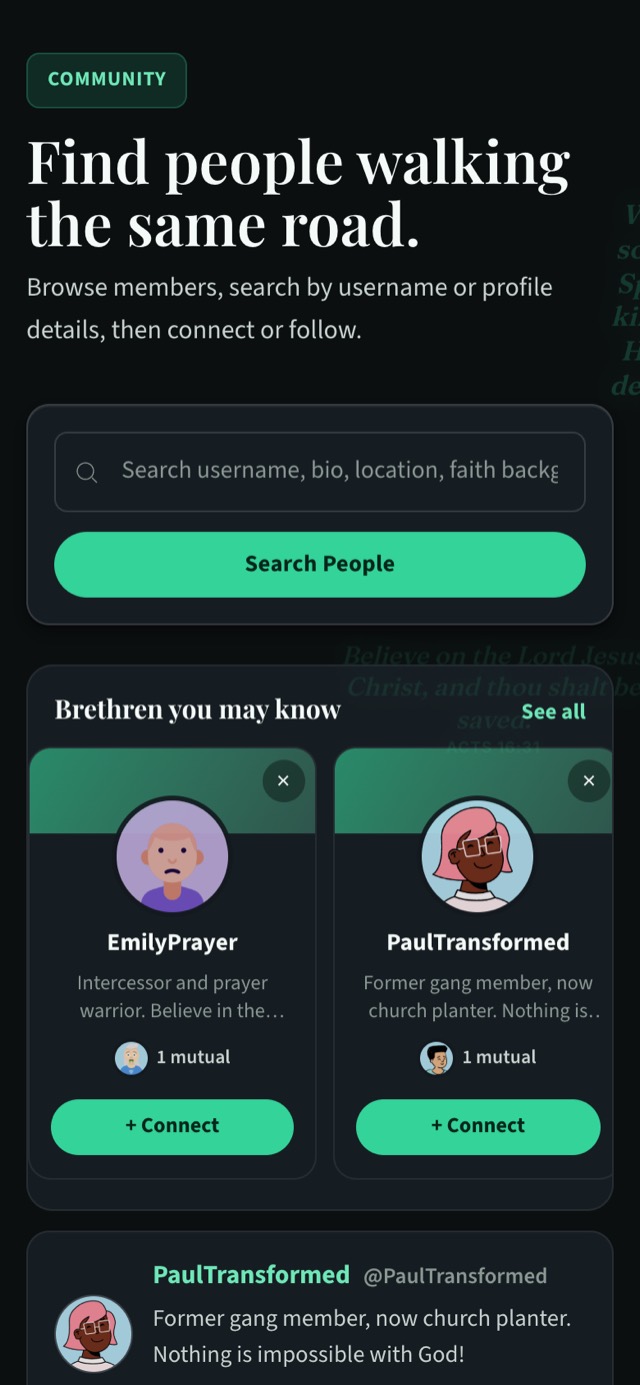
- Mutual connections. People connected to someone you’re connected to. The card shows their faces with a label such as “1 mutual”.
- Your work. People at the same employer or with the same job title.
- Shared skills. People who list skills you also list.
- Your city. Members who live in the same city.
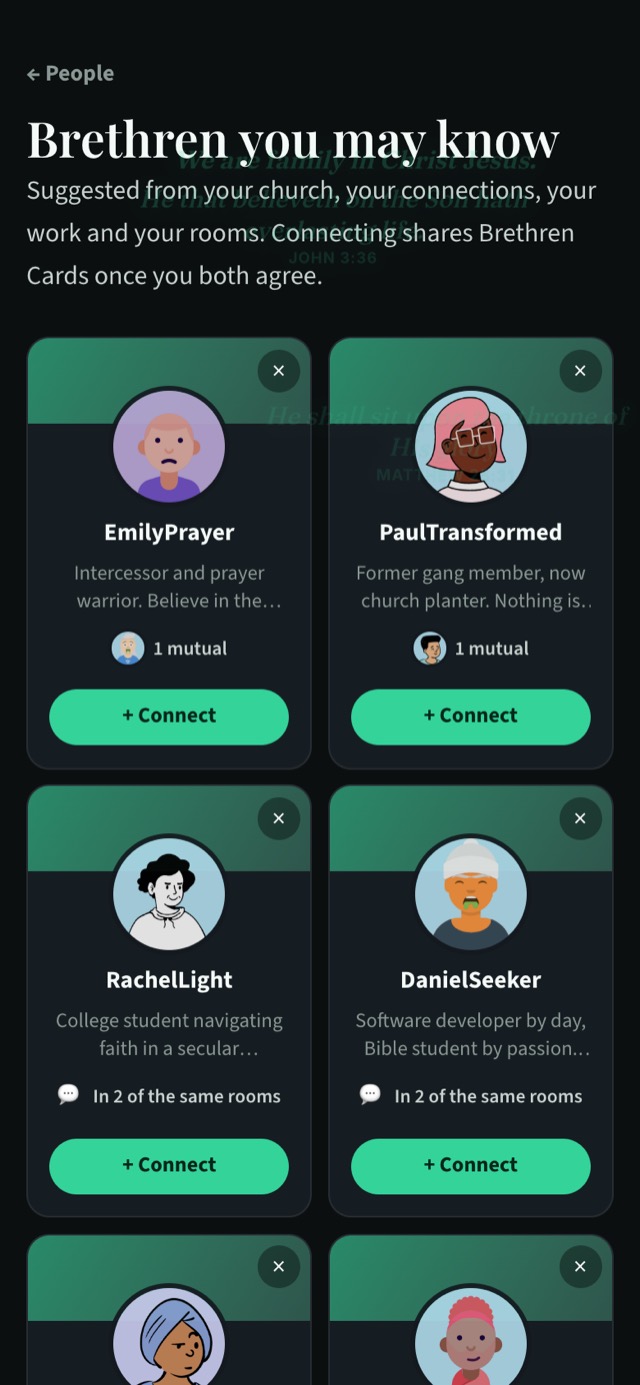
- Your rooms. People in the same rooms as you, shown as, for example, “In 2 of the same rooms”.
This is one reason it helps to fill in your professional profile. When you’ve picked your church from the list, added your current role, your skills and your city, Brethreign has more to go on, and your suggestions get more relevant. It also helps the right people find you.
Where to find them
You’ll see a row of suggestion cards on the People page (/people), under the search box. Tap See all to open the full page of suggestions at /people/suggested.
Connect or Follow
These two buttons do different things.
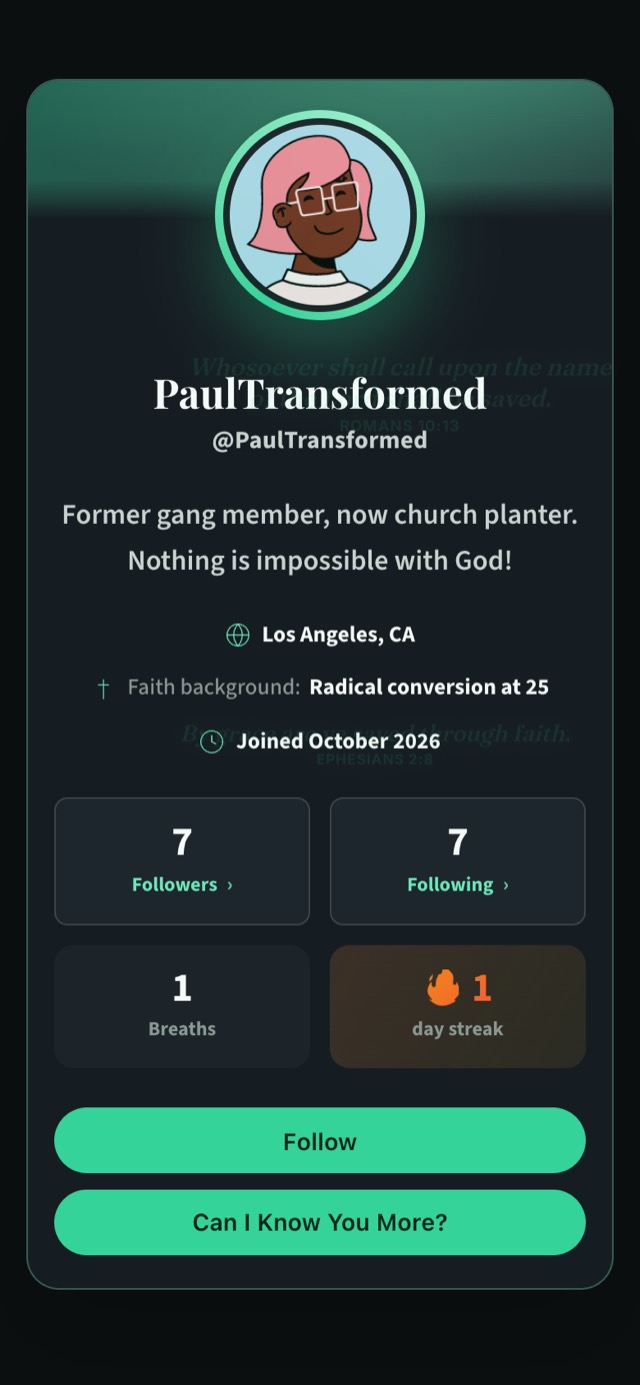
Follow is light and one-way. You’ll see the person’s breaths in your feed. They don’t need to agree, and you don’t share any private details.
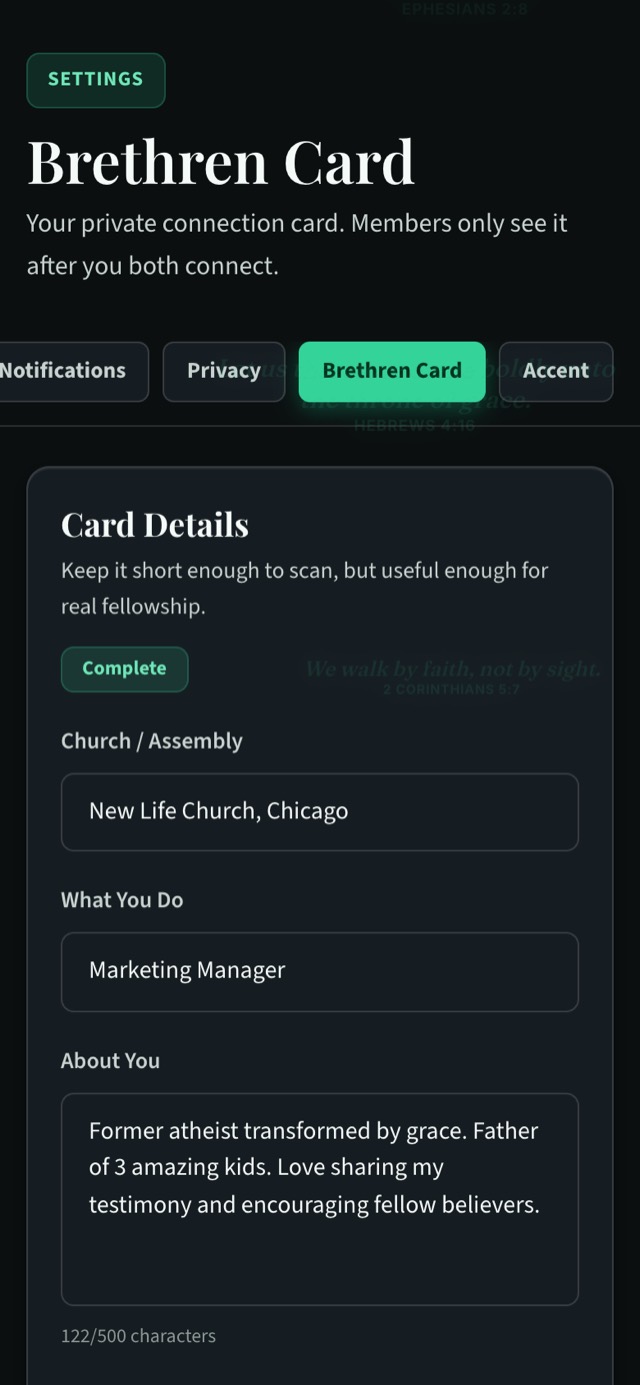
Connect is closer. On someone’s profile it’s the button labelled Can I Know You More?, and on suggestion cards and the People page it’s + Connect. It sends a connection request. If they accept, you each see the other’s Brethren Card: church or assembly, what you do, WhatsApp number, email and a short note about yourself.
A simple way to choose: follow people whose breaths you’d like to read. Connect with people you’d be glad to call, message or meet.
Why you need a Brethren Card first
Before you can send a connection request, you need to complete your own Brethren Card. It’s only fair. Connecting is an exchange, so you share your card in return for theirs.
- Open Settings → Brethren Card (/settings/brethren_card/edit).
- Fill in your details. Your church or assembly, what you do, your WhatsApp number, your email and a short note about you.
- Save. Once it’s complete, you can send connection requests.
Connecting with care
A connection request is a small act of trust. A few habits make it go well.
Give people a reason to recognise you. Before you connect, make sure your own profile says who you are. A photo, a headline, your church and a line or two about you help the other person understand why you’re reaching out.
Start with something you share. The reason on the suggestion card is a good guide. If you’re in the same rooms, you might reply thoughtfully to one of their breaths first. If you attend the same church, they may already know your face.
Choose with care. Sending requests to everyone on the page turns a warm gesture into spam. Pick the people you’d genuinely like to know.
Respect a quiet answer. Some people keep their connections to those they know well. If someone doesn’t accept, let it be. You can still follow them.
Never use a connection to ask for money. Brethreign’s safety tools watch for scams in chats, and members can report anything that feels wrong.
“Be kindly affectioned one to another with brotherly love; in honour preferring one another.” (Romans 12:10)
Dismissing a suggestion
If a suggestion isn’t right for you, tap the × in the top corner of the card to dismiss it.
Keep going
Read next
 Professional
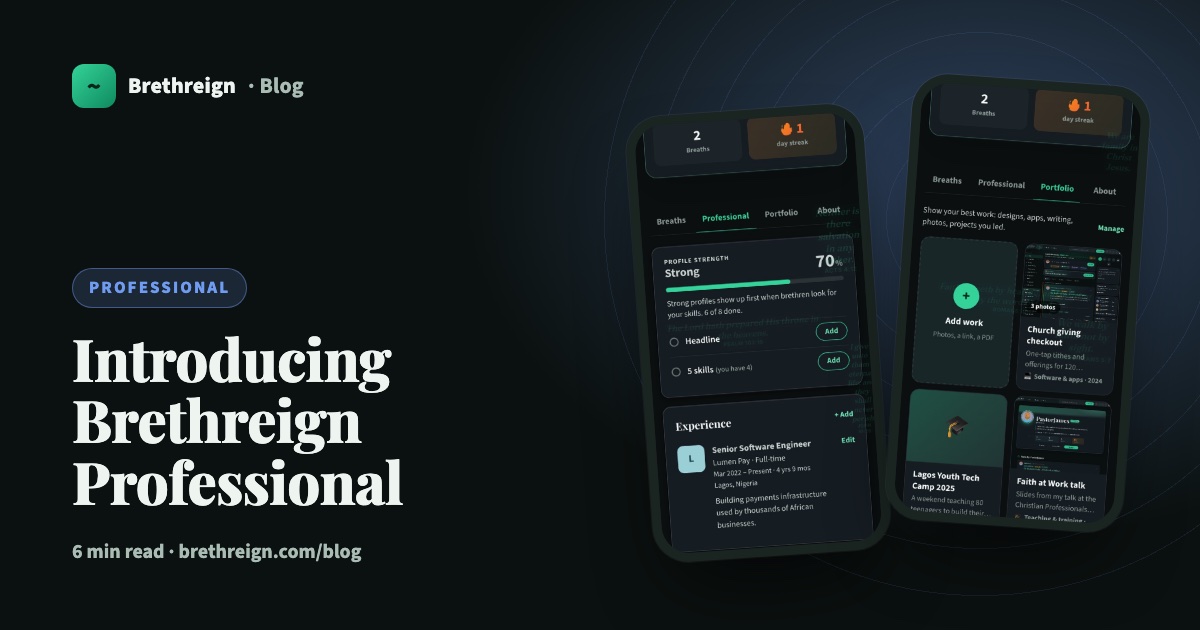
Introducing Brethreign Professional: your faith and your work in one place
Brethreign now has a professional side: a Professional tab, profile strength, LinkedIn import, Volunteering and a Portfolio for work you're proud of.
 Professional
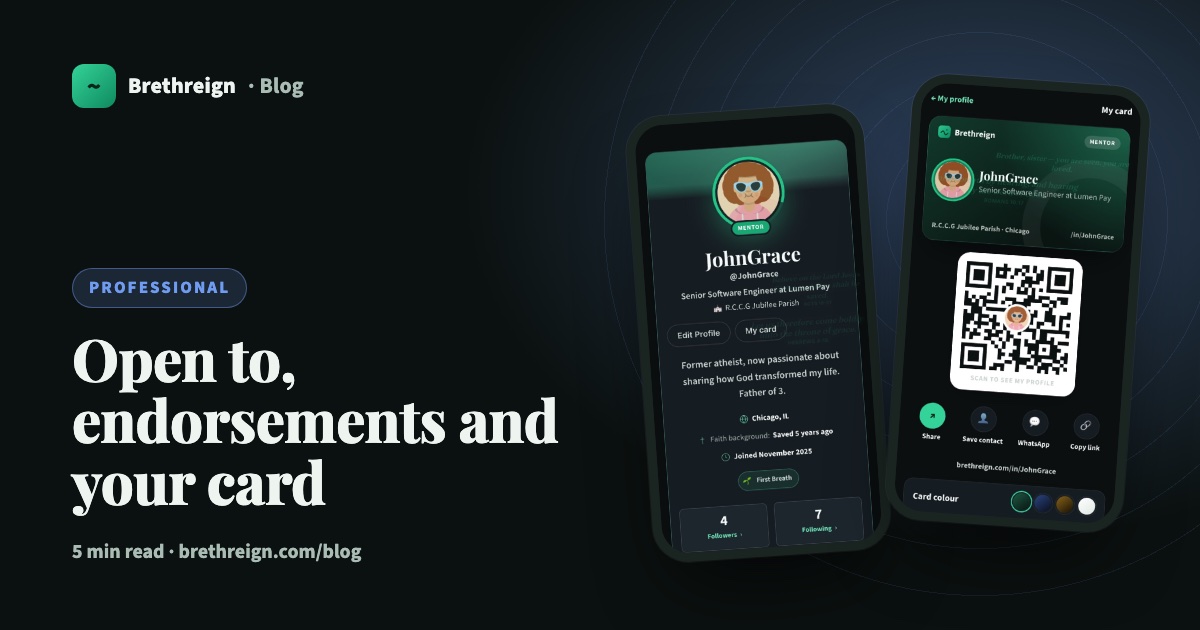
Open to, endorsements and your business card: three ways to be found
Tell people what you're open to, let your connections vouch for your skills, and share a digital business card with a QR code.
 Professional
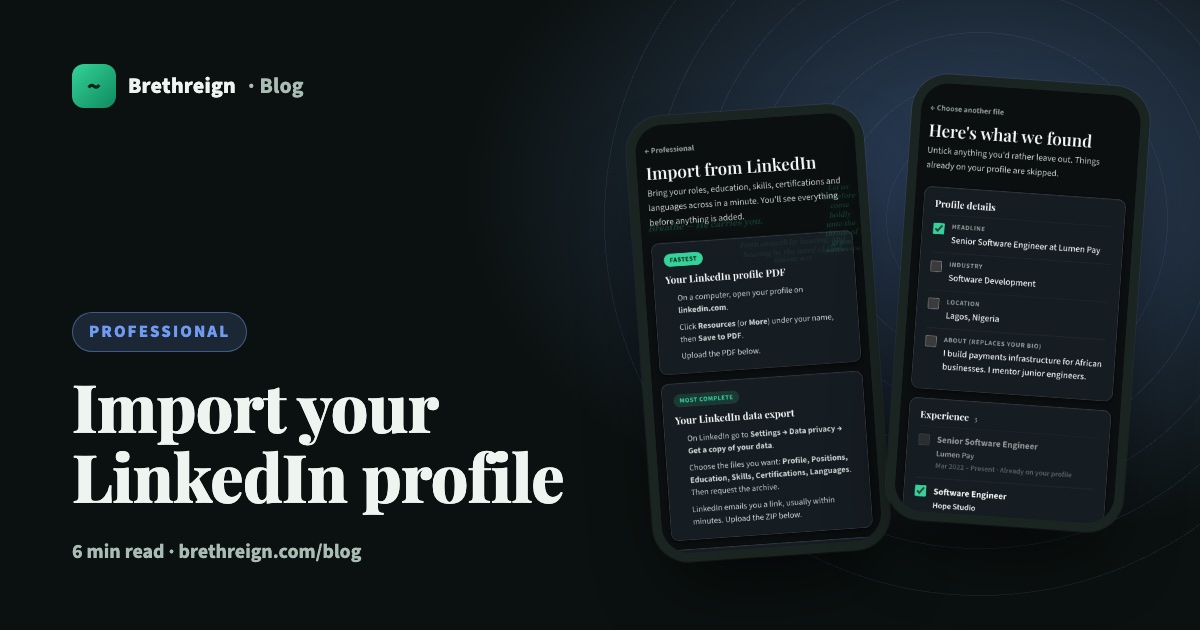
Import your LinkedIn profile into Brethreign
Bring your roles, education, skills, certifications and languages from LinkedIn to Brethreign with a PDF or data export. You check everything first.
Join Brethreign, free
A safe online home for Christians: breathe, pray, read, chat, and grow in your work.