Your Brethren Card and how connecting works
What the Brethren Card is, who can see it, and how 'Can I Know You More?' lets you connect with other believers safely on Brethreign.
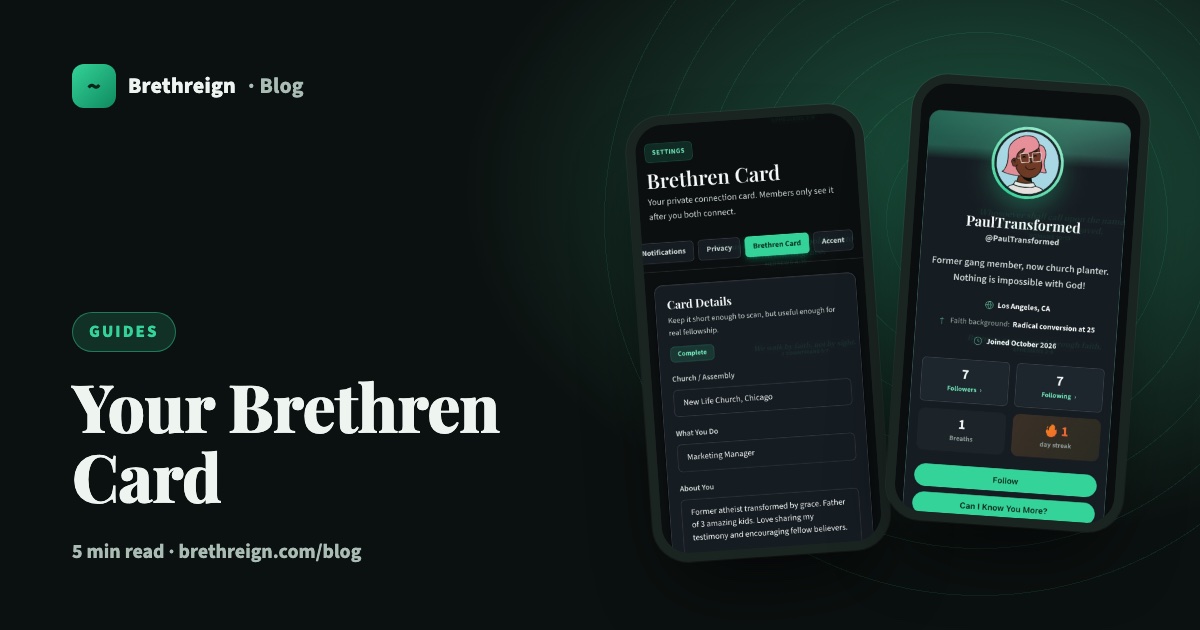
On Brethreign you can follow anyone, but connecting is something more personal. It’s how you swap details with a brother or sister you’d like to know better, the way you might after meeting at a church conference. This guide explains the Brethren Card, how “Can I Know You More?” works, and how to share wisely.
Following and connecting are different
Following is open and simple. Tap Follow on someone’s profile and you’ll see their breaths in your Following tab. You don’t need their permission.
Connecting is two-way. You send a request with Can I Know You More?, and only when you both agree do you each see the other’s Brethren Card.
Iron sharpeneth iron; so a man sharpeneth the countenance of his friend. (Proverbs 27:17)
What the Brethren Card is
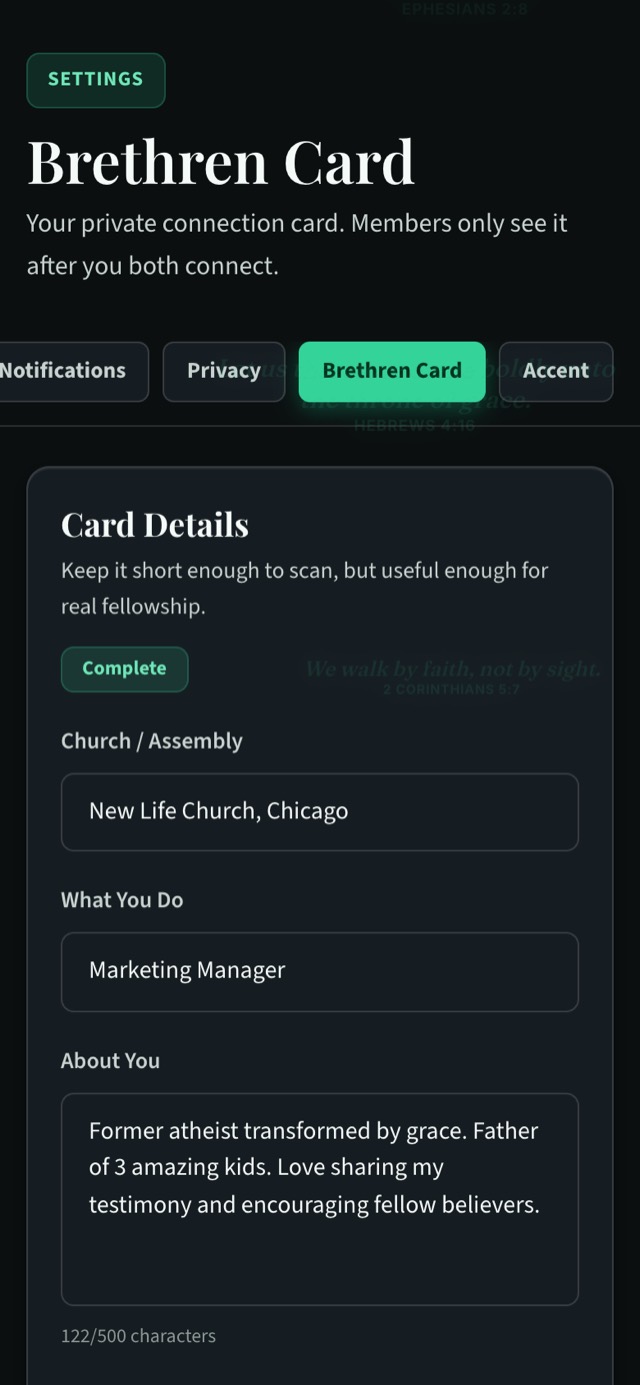
Your Brethren Card is a private card that you fill in once and share only with your connections. It can hold:
- Church / Assembly: where you worship.
- What You Do: your work or calling.
- About You: a short description, up to 500 characters.
- WhatsApp number: if you’d like connections to be able to message you there.
- Email: if you’d like to share it.
Who sees your card
Only your connections. Followers and other visitors to your profile don’t see it. When you look at your own About tab you’ll see your card there too, but that view is for you alone.
Complete your card first
You need to complete your own Brethren Card before you can send connection requests. That keeps things fair: anyone who asks to know you has already filled in theirs.
- Open Settings → Brethren Card. Or go to /settings/brethren_card/edit.
- Fill in Church / Assembly, What You Do and About You.
- Add WhatsApp and email only if you want to.
- Save. Look for the green Complete badge.
How “Can I Know You More?” works
- Find someone. Search on the People page, browse the suggestions, or open a profile from the feed.
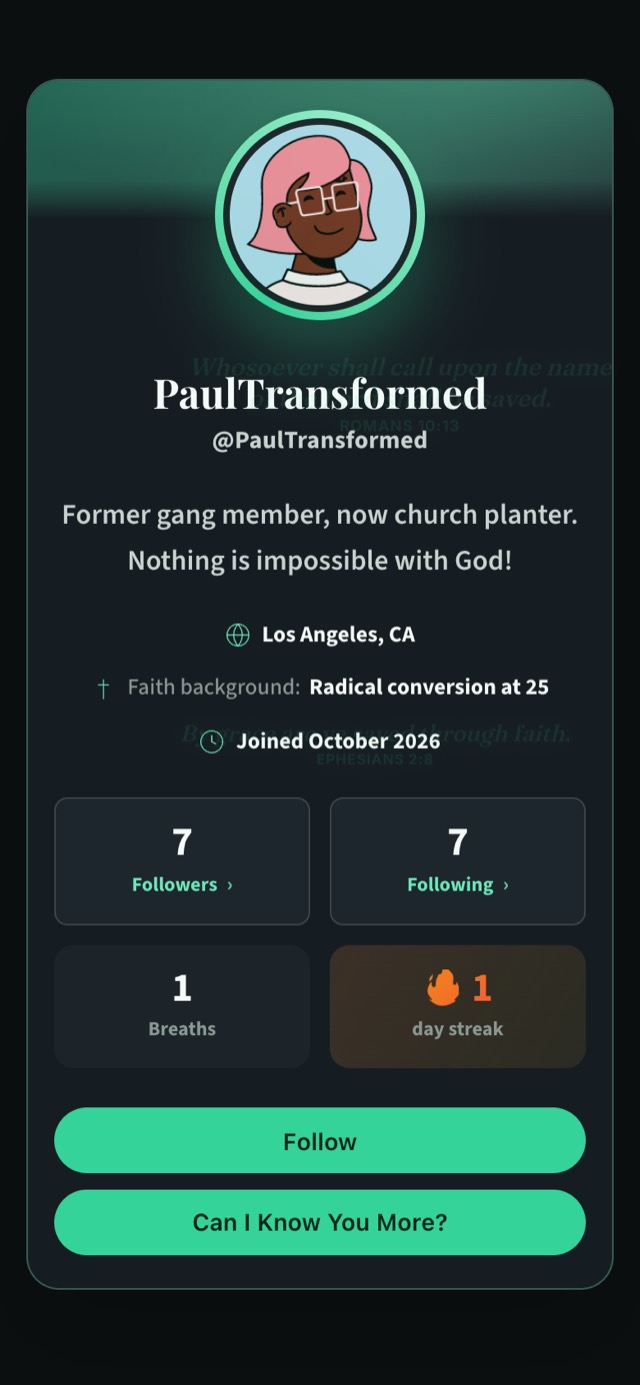
- Open their profile. You’ll see two buttons: Follow and Can I Know You More?
- Tap Can I Know You More? This sends them a connection request.
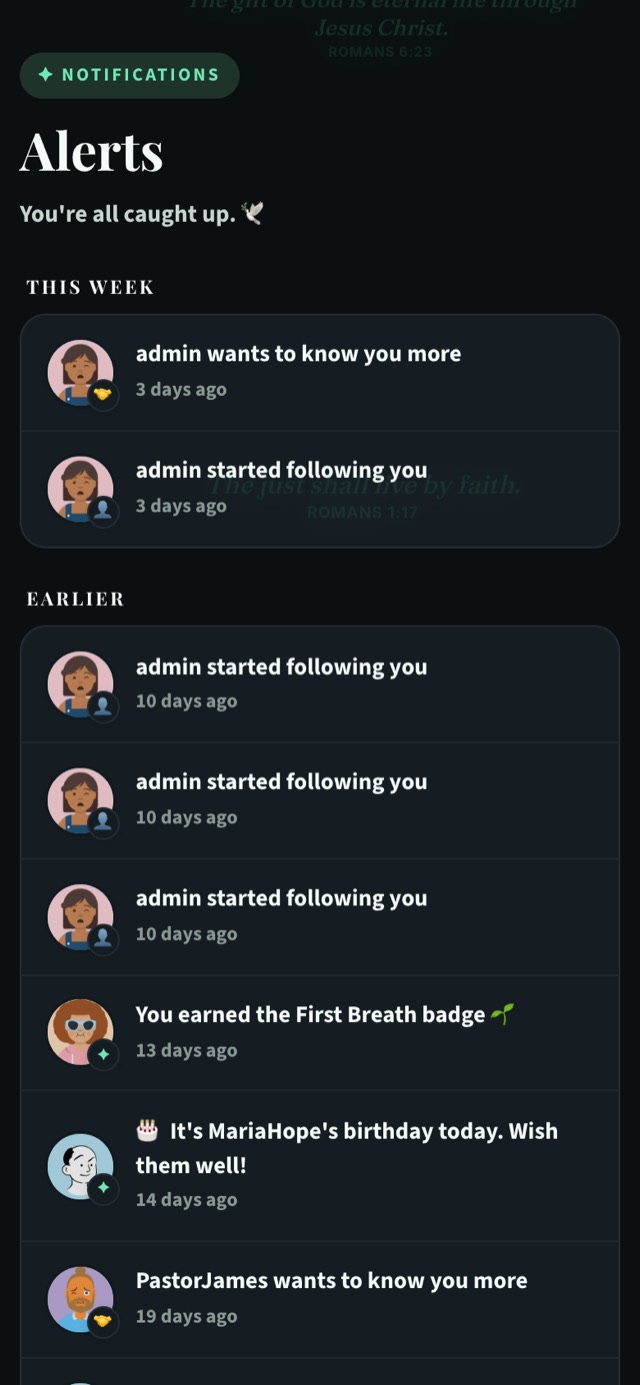
- Wait for their answer. They’ll see an alert saying you want to know them more.
- Once you both agree, you’re connected. Each of you can now see the other’s Brethren Card.
Brethren you may know
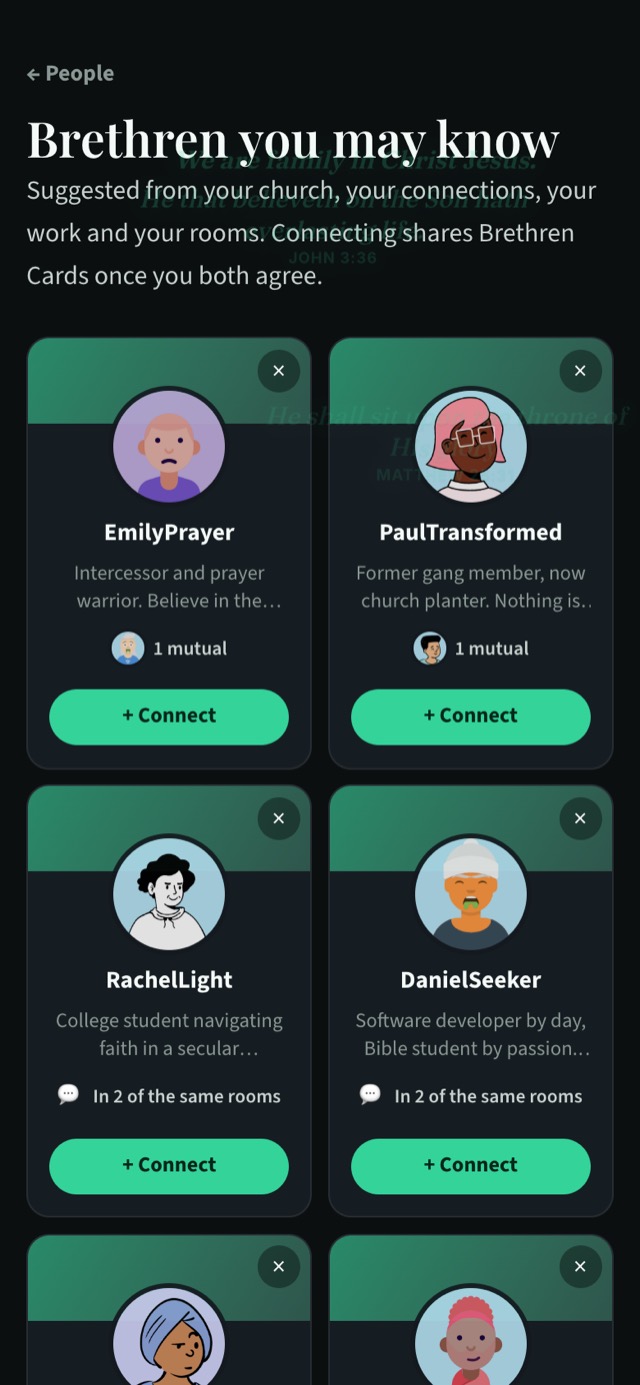
Brethreign suggests people you might want to connect with. Suggestions come from:
- your church
- mutual connections (you’ll see their faces and, for example, “1 mutual”)
- the same employer or job title
- shared skills
- the same city
- the same rooms
You’ll see a row of suggestions on the People page. Tap See all to open the full page at /people/suggested, where each card has a + Connect button. If a suggestion isn’t right, tap × to dismiss it.
When someone wants to know you more
Connection requests arrive in your Alerts, as “[name] wants to know you more”. Before you agree, it’s fine to take a moment. Open their profile, read a few of their breaths, and see whether you share a church, a room or friends in common.
If you’d like to connect, agree to the request and you’ll each see the other’s card. If you’d rather not, you don’t have to. Your Brethren Card stays private unless you both agree, and you can still follow each other’s breaths as before.
Staying wise
Brethreign is a community of believers, and the ordinary wisdom you’d use anywhere still applies here.
- Share only what you’re comfortable with. Your WhatsApp number and email are optional. A card with just your church, what you do and a few lines about you is complete and perfectly useful.
- Connect with people you have a reason to know. A shared church, a mutual friend or a good conversation in a room are all good reasons.
- Be careful with money. If anyone you’ve connected with asks for money, bank details or codes, stop and talk to someone you trust. Brethreign’s chat scam guard will also warn you about messages like these.
- Report anything that feels wrong. You can report in one tap, and our moderators review it. You can also block someone from messaging you.
Keep going
- Brethren you may know: more on how suggestions are made.
- Private chats guide: what to do once you’re talking one-to-one.
- Staying safe on Brethreign: how Brethreign protects members.
Read next
 Guides
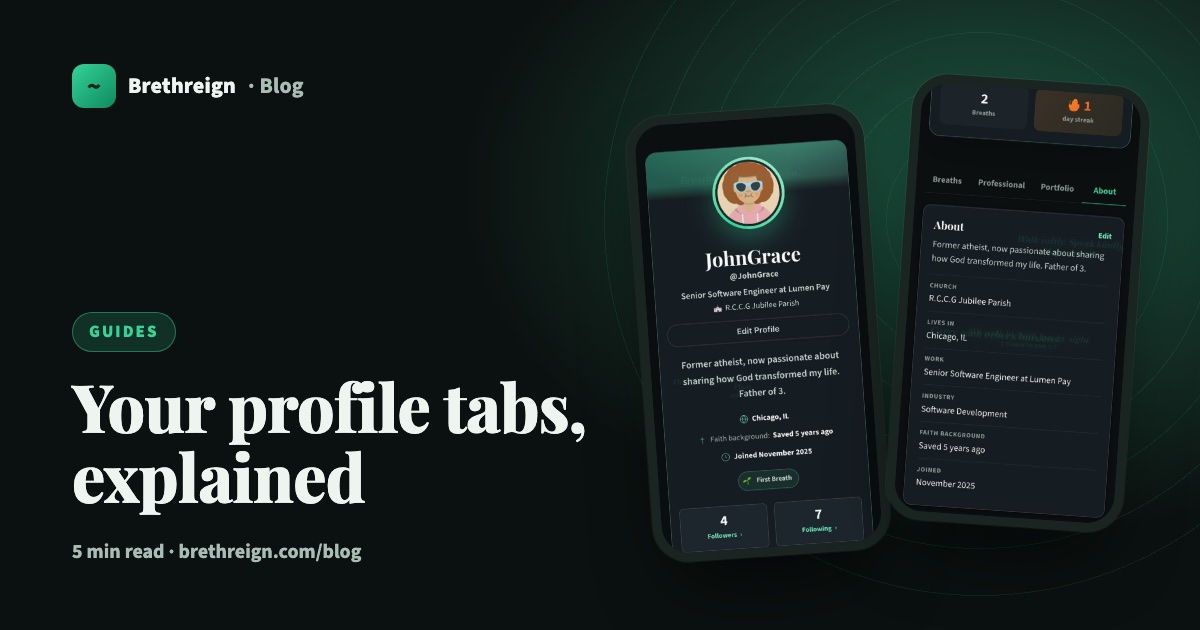
Your profile tabs, explained
A tour of the Breaths, Professional, Portfolio and About tabs on your Brethreign profile: what visitors see, what only you see, and how privacy works.
 Guides
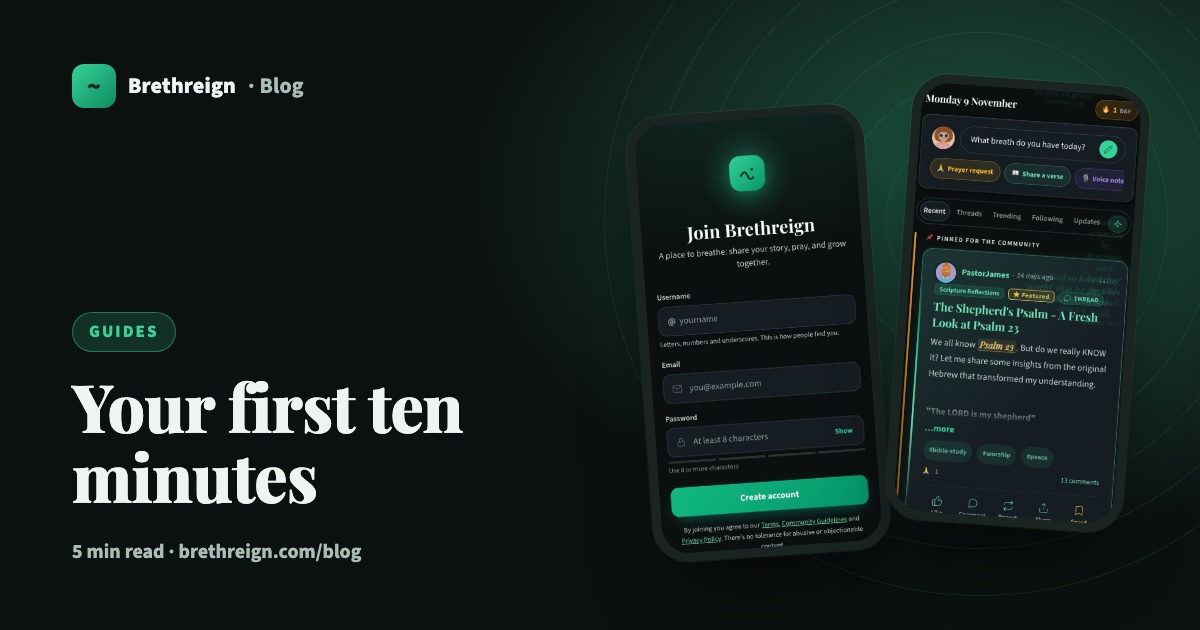
Getting started on Brethreign: your first ten minutes
Sign up, set up your profile and Brethren Card, find people and rooms, and take your first breath. A step-by-step guide for new members.
 Guides
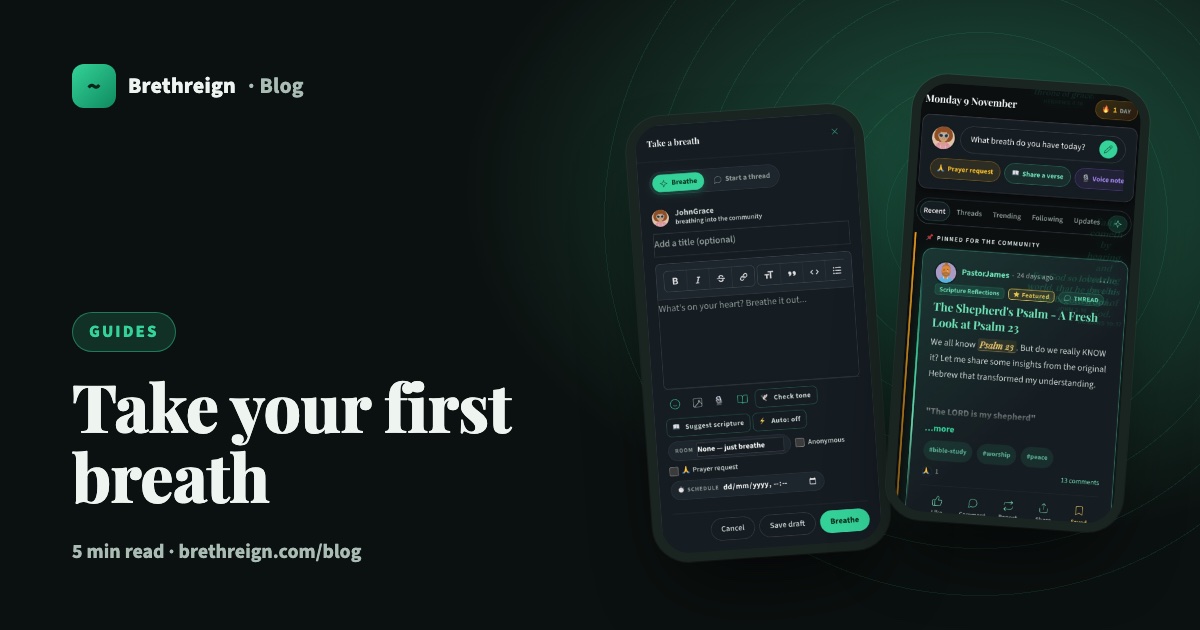
Take your first breath: a guide to posting on Brethreign
Everything the Brethreign composer can do, from photos and voice notes to Check tone, drafts and scheduling, plus how to use the feed.
Join Brethreign, free
A safe online home for Christians: breathe, pray, read, chat, and grow in your work.